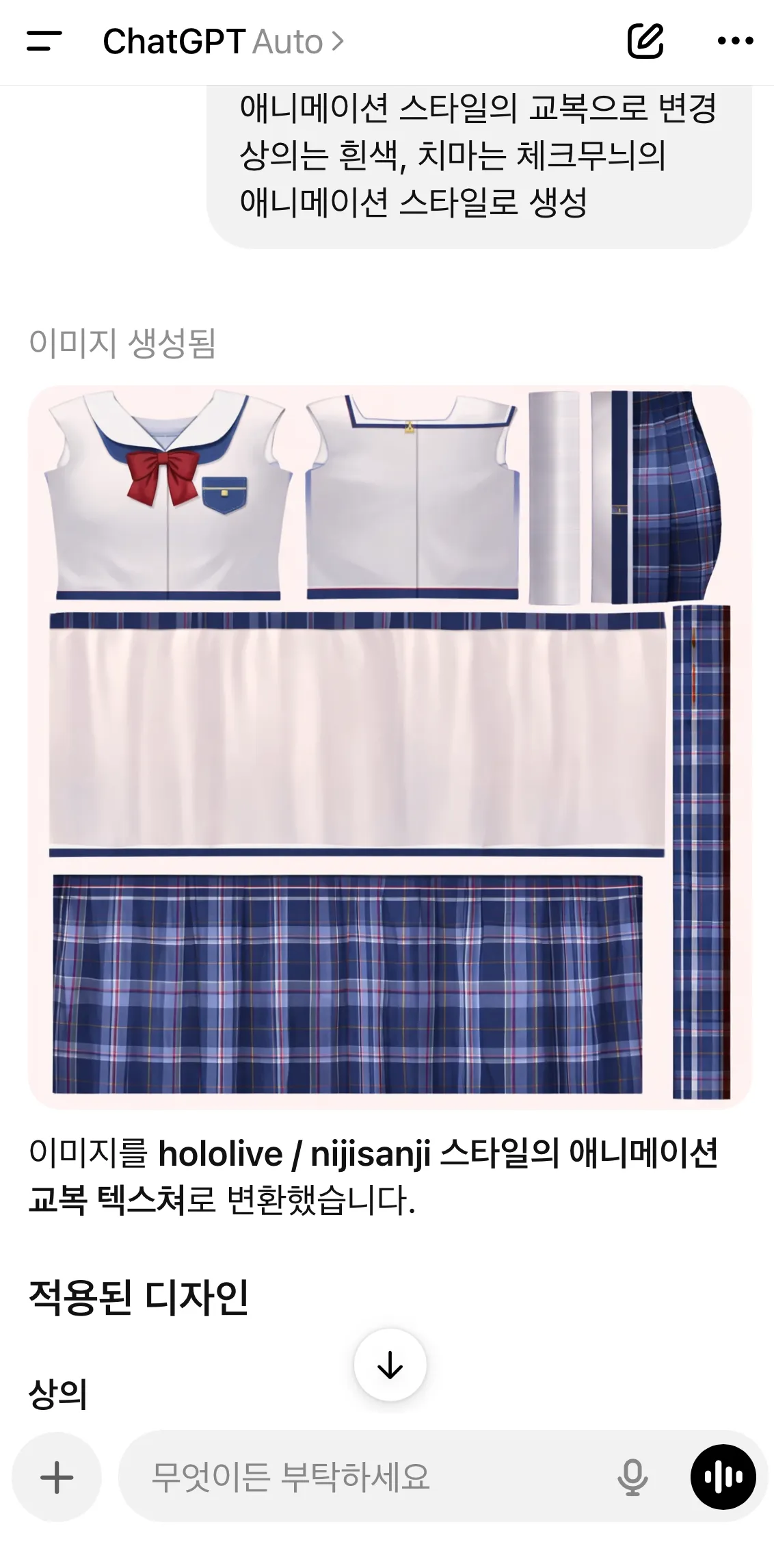
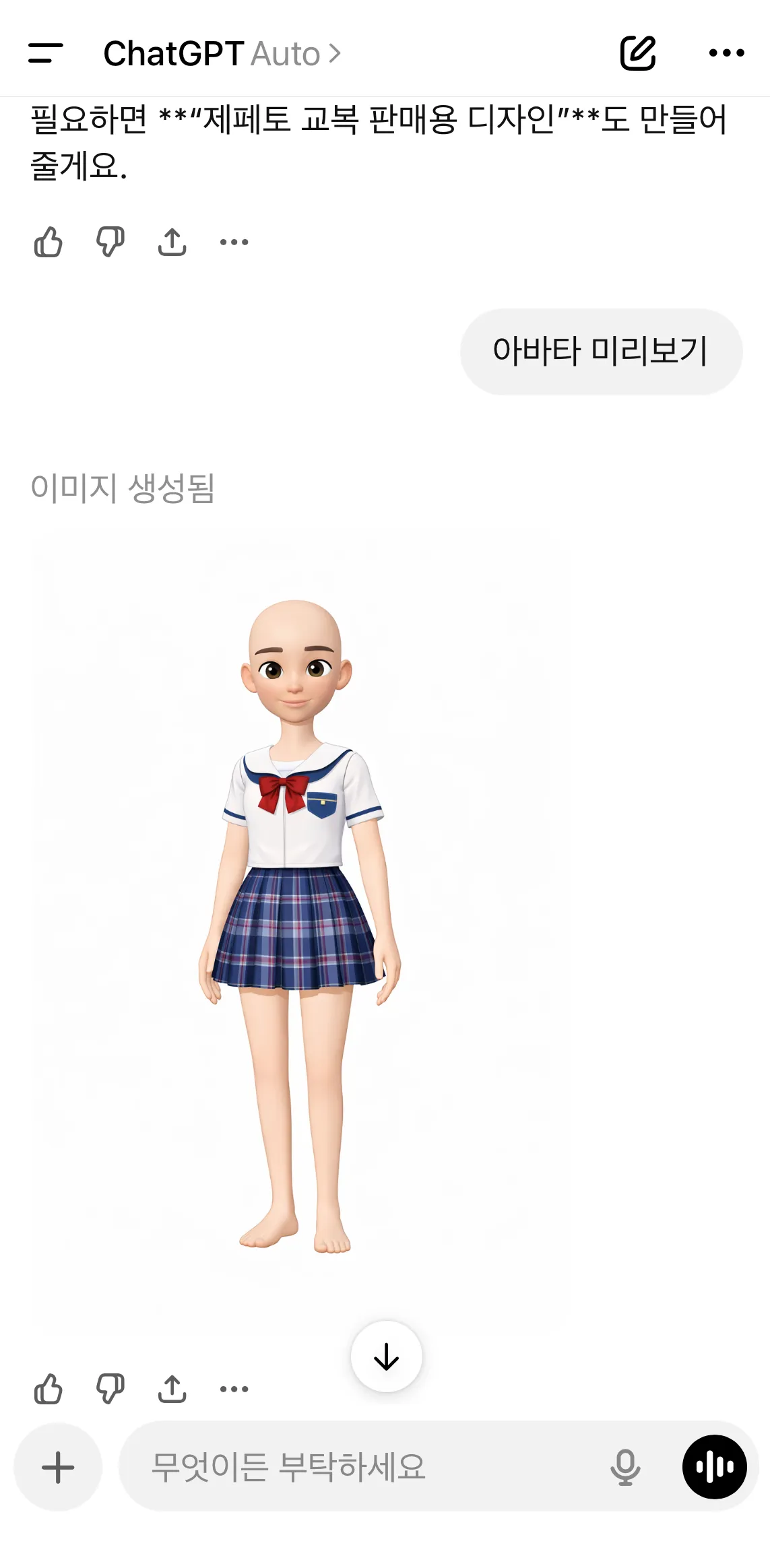
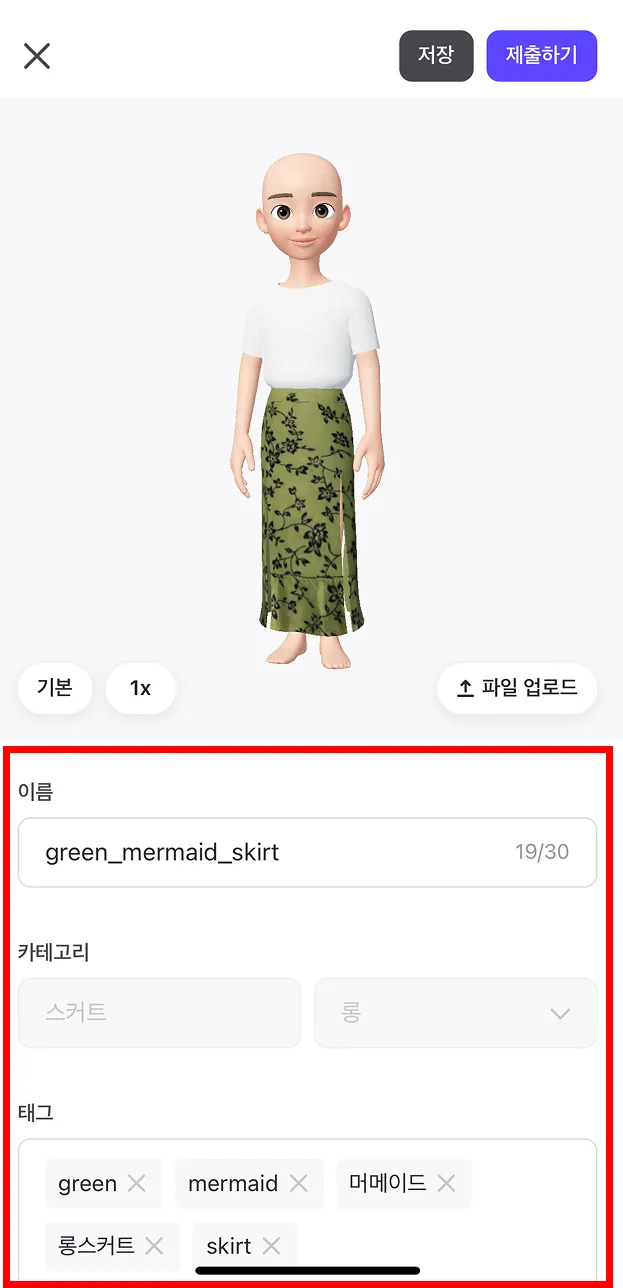
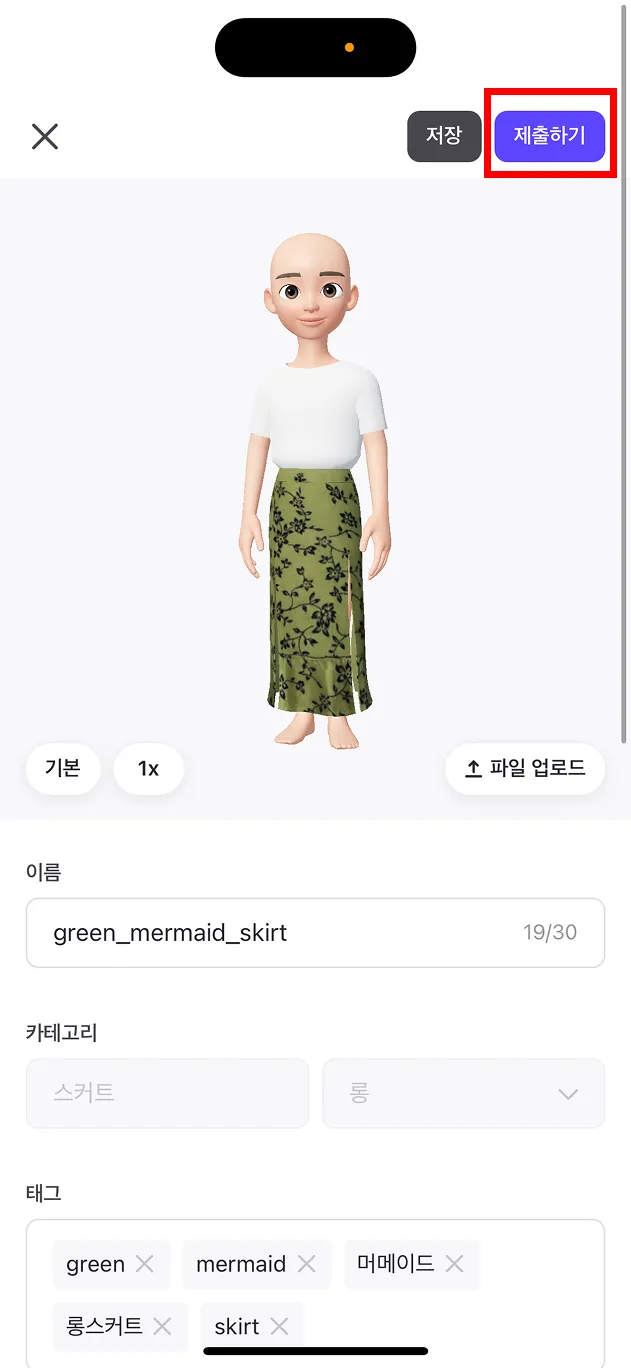
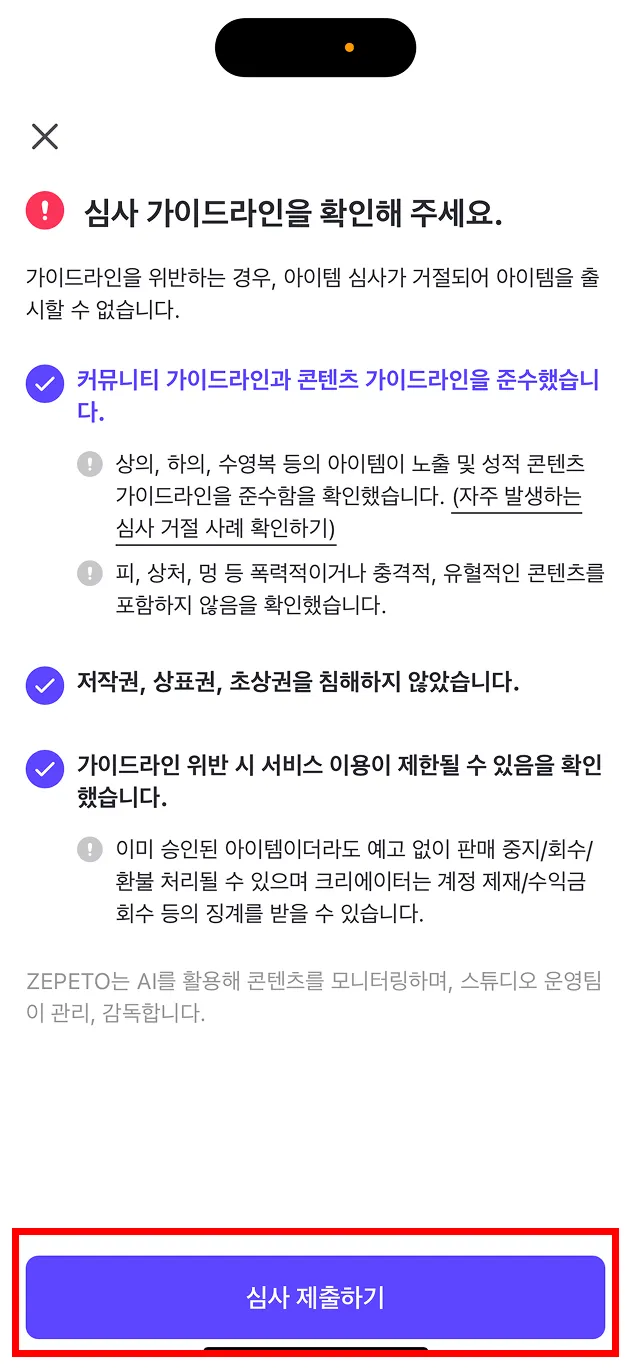
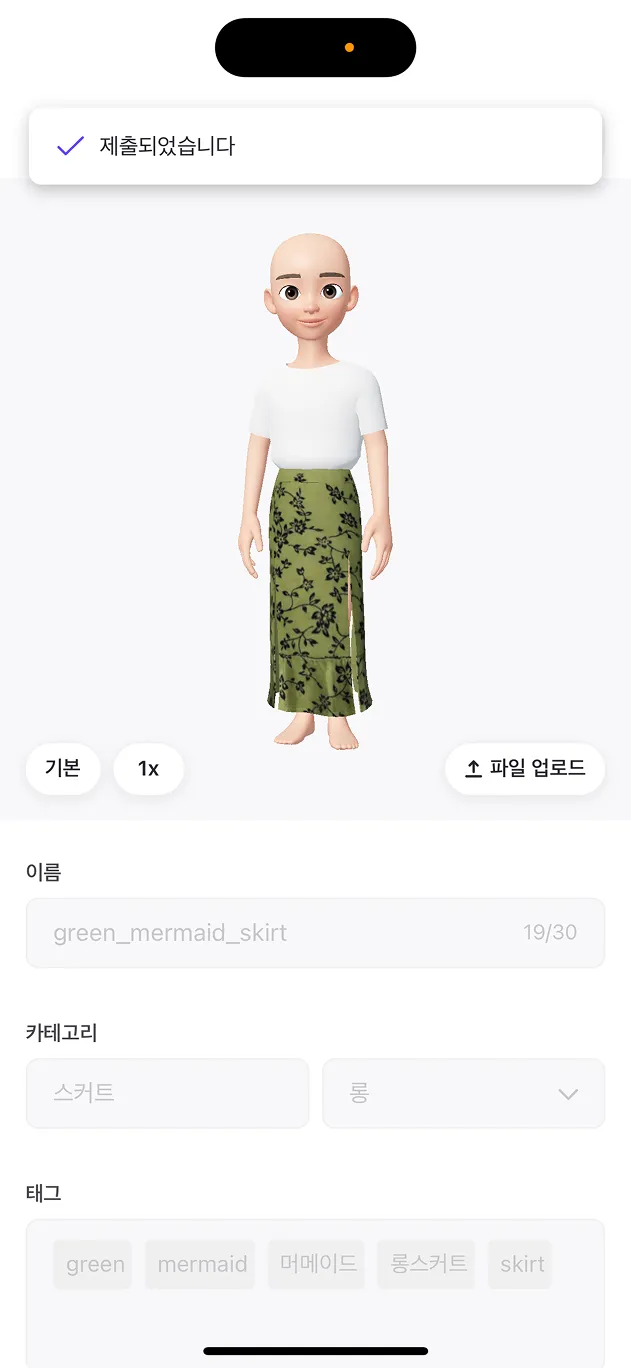
ZEPETO 유저는 모바일에서 Chat GPT 함께 3초만에 아이템을 만들 수 있다는 것을 아시나요?
GPT와 함께 3초만에 아이템 만들기! 그 제작 과정을 소개합니다🪄
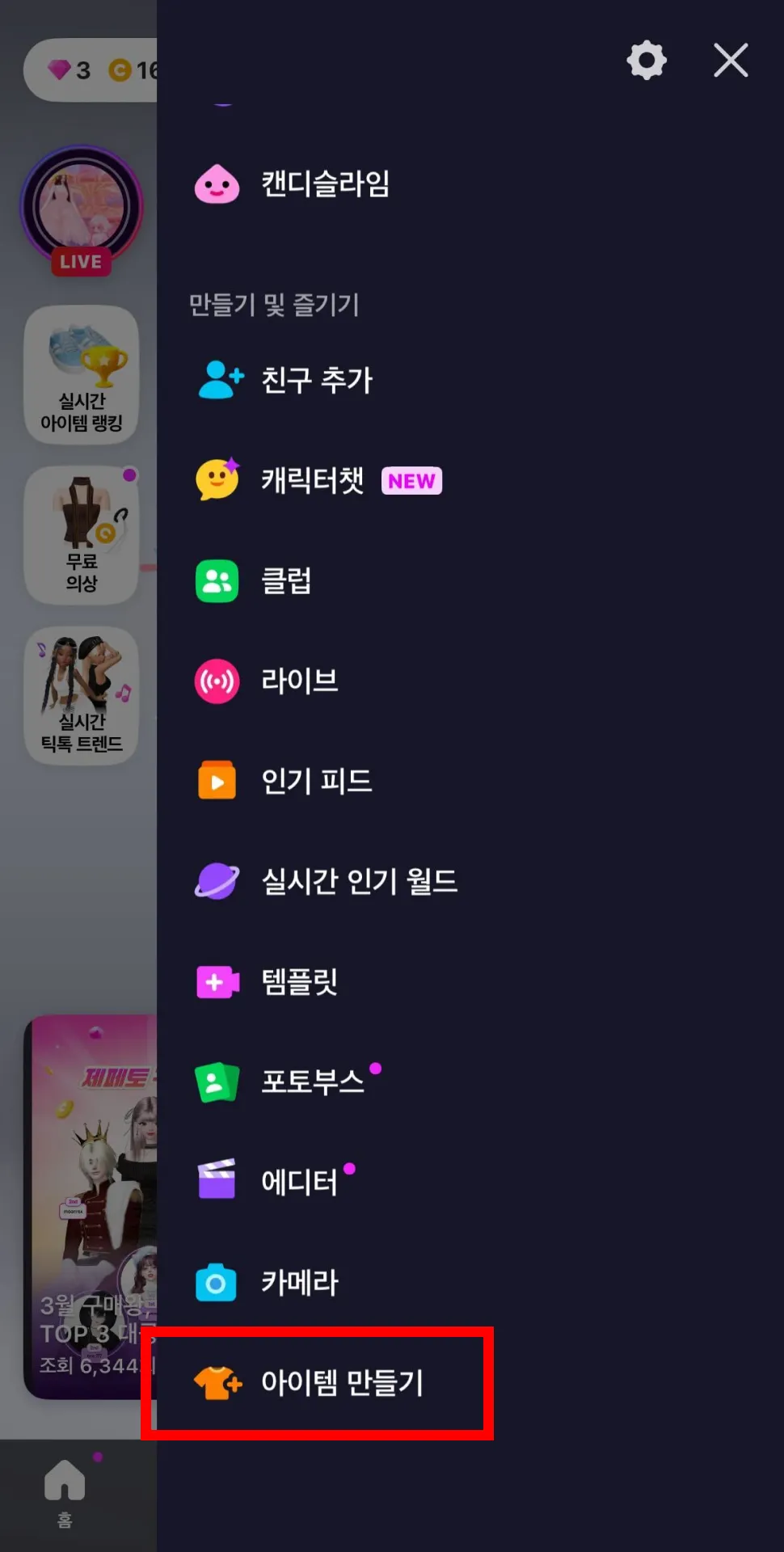
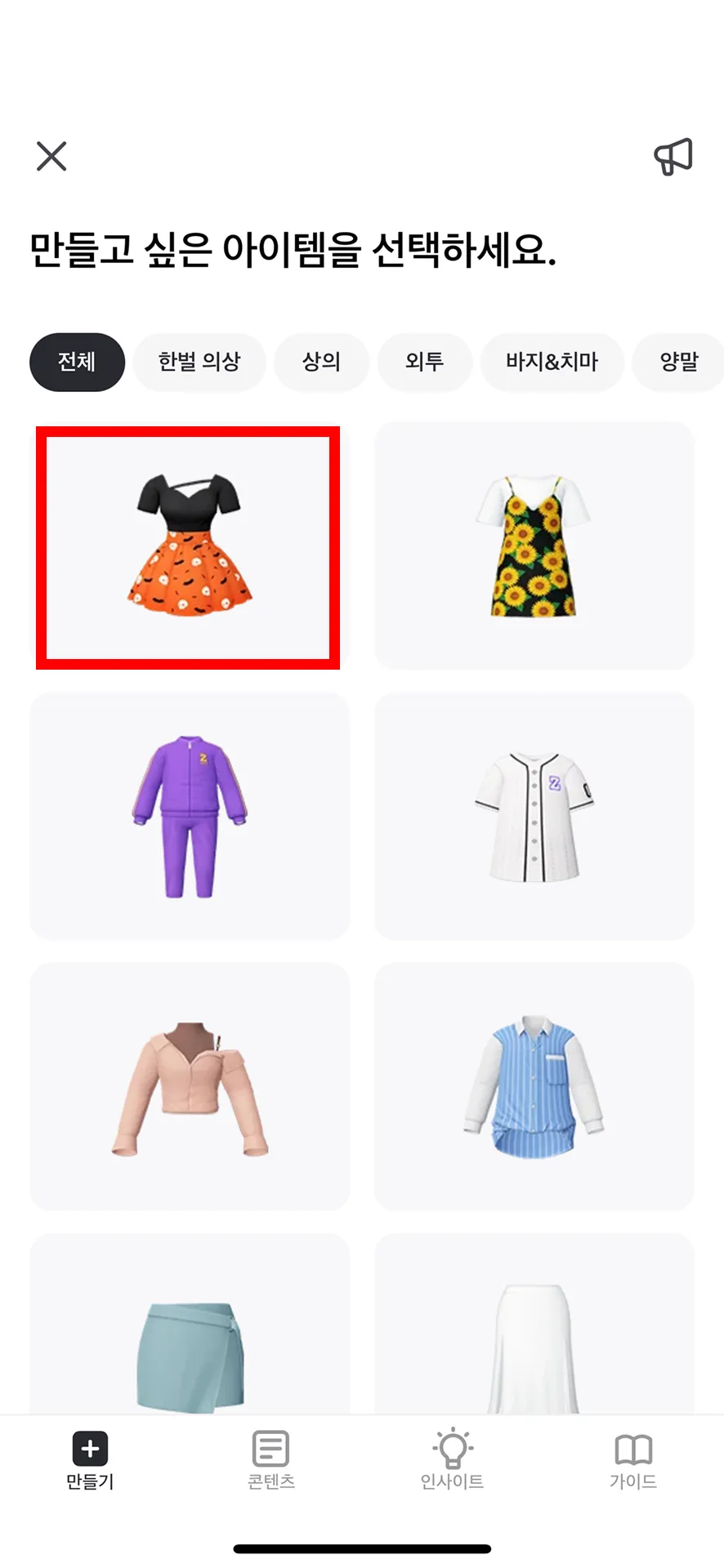
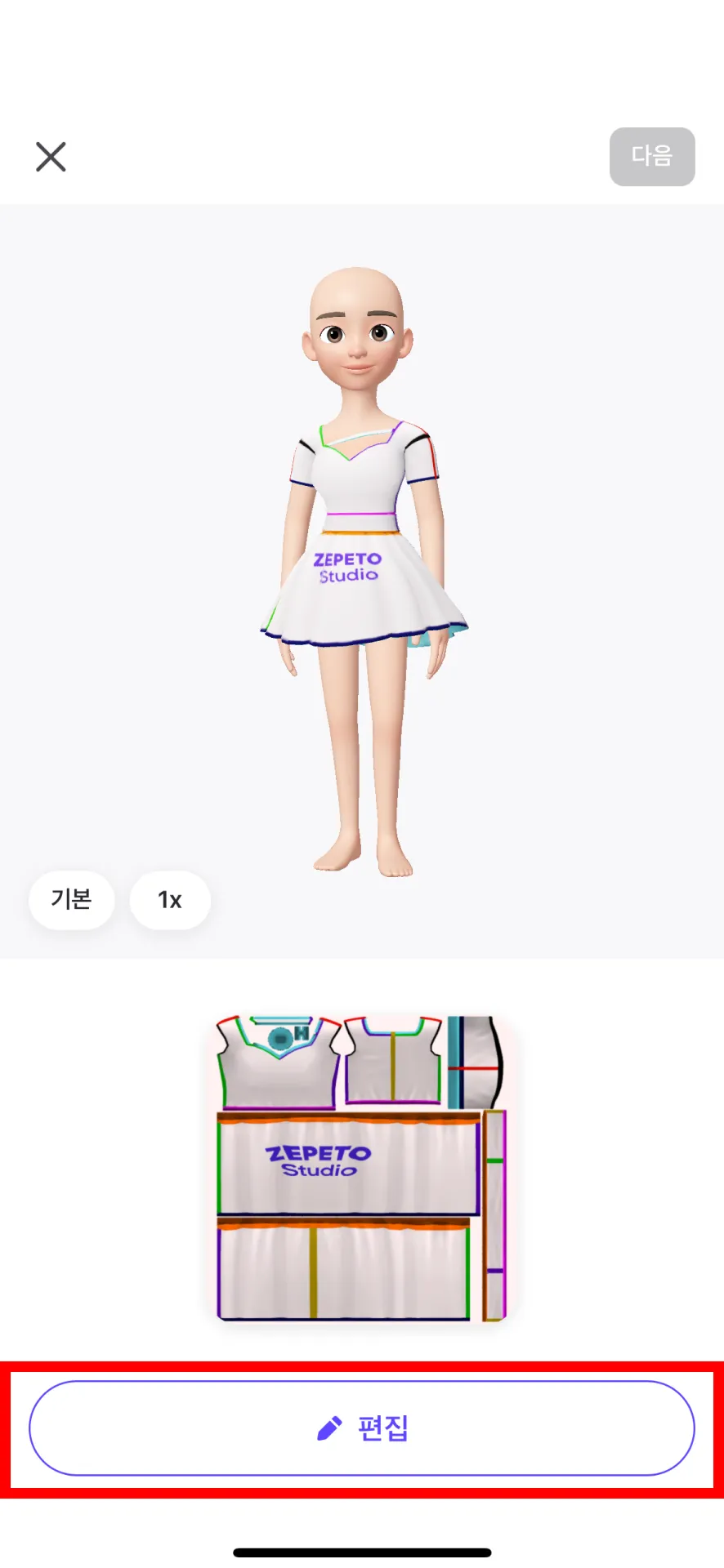
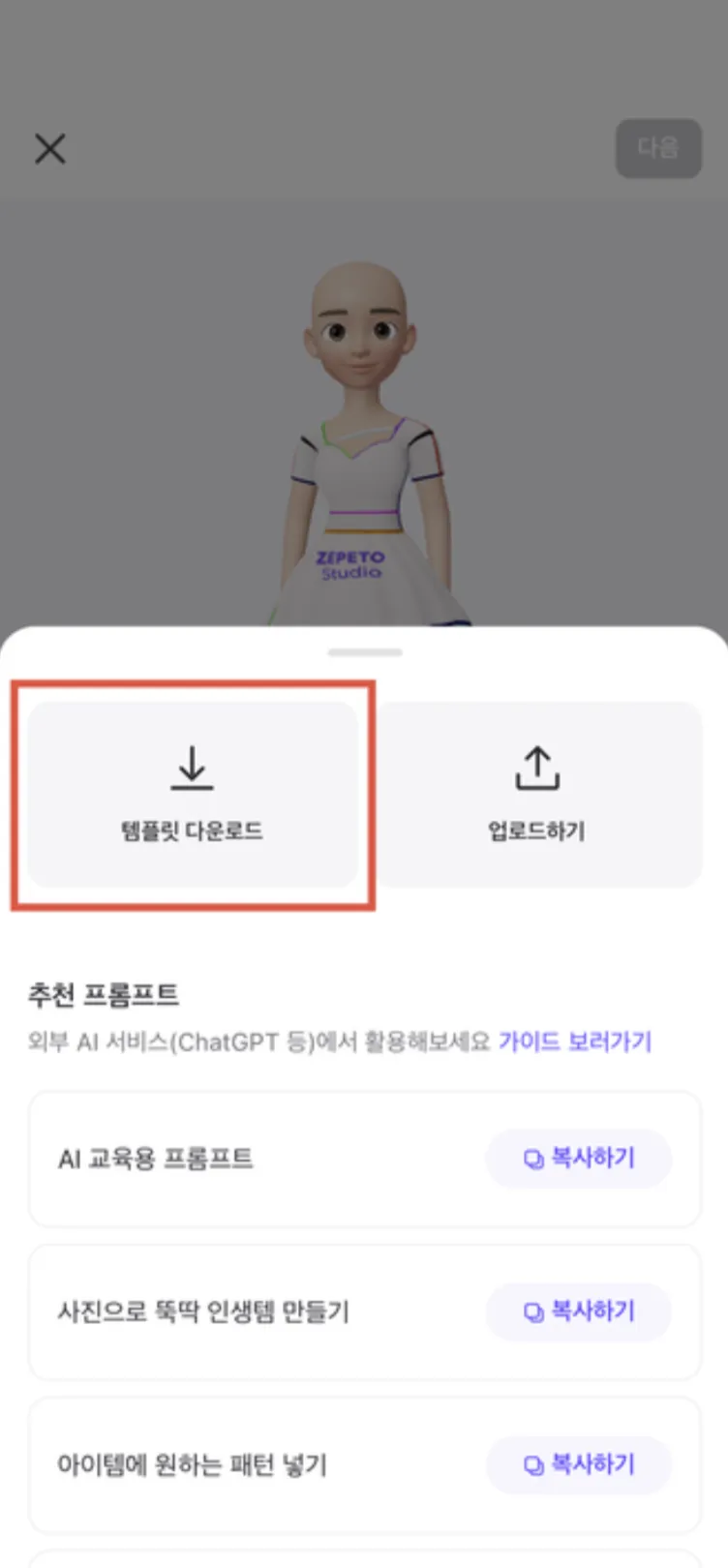
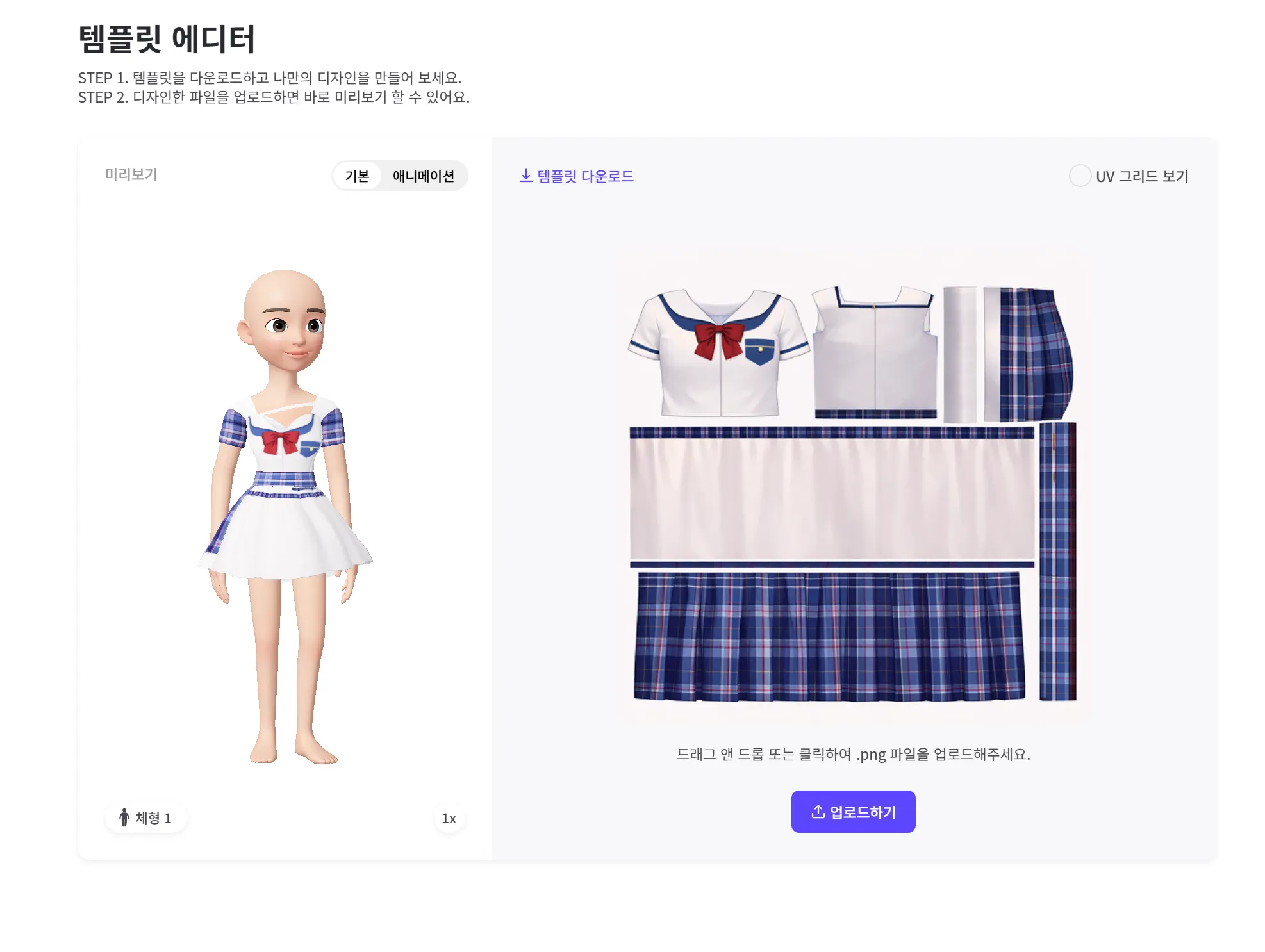
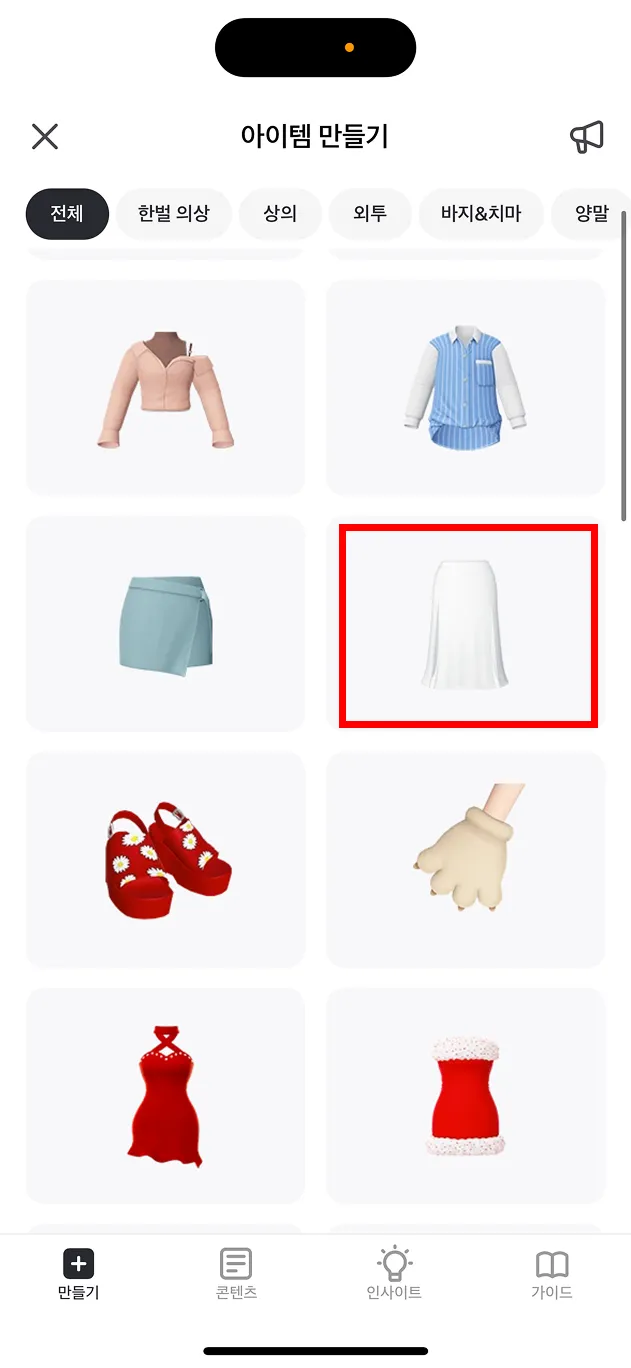
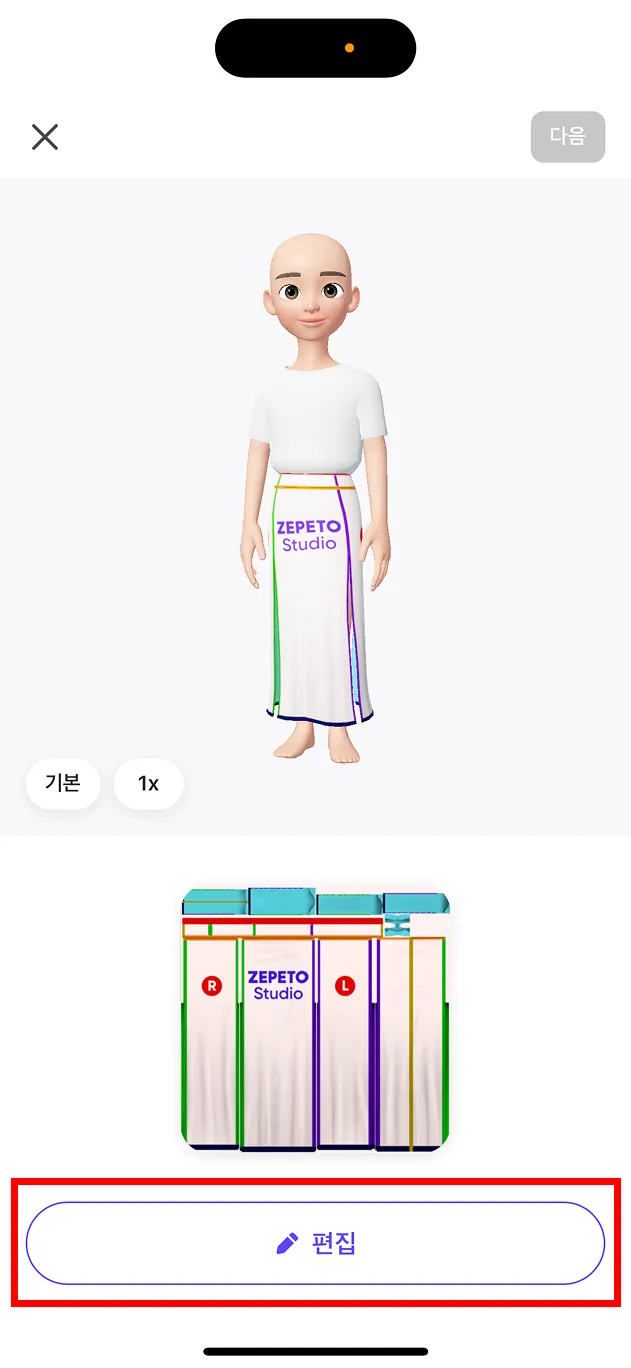
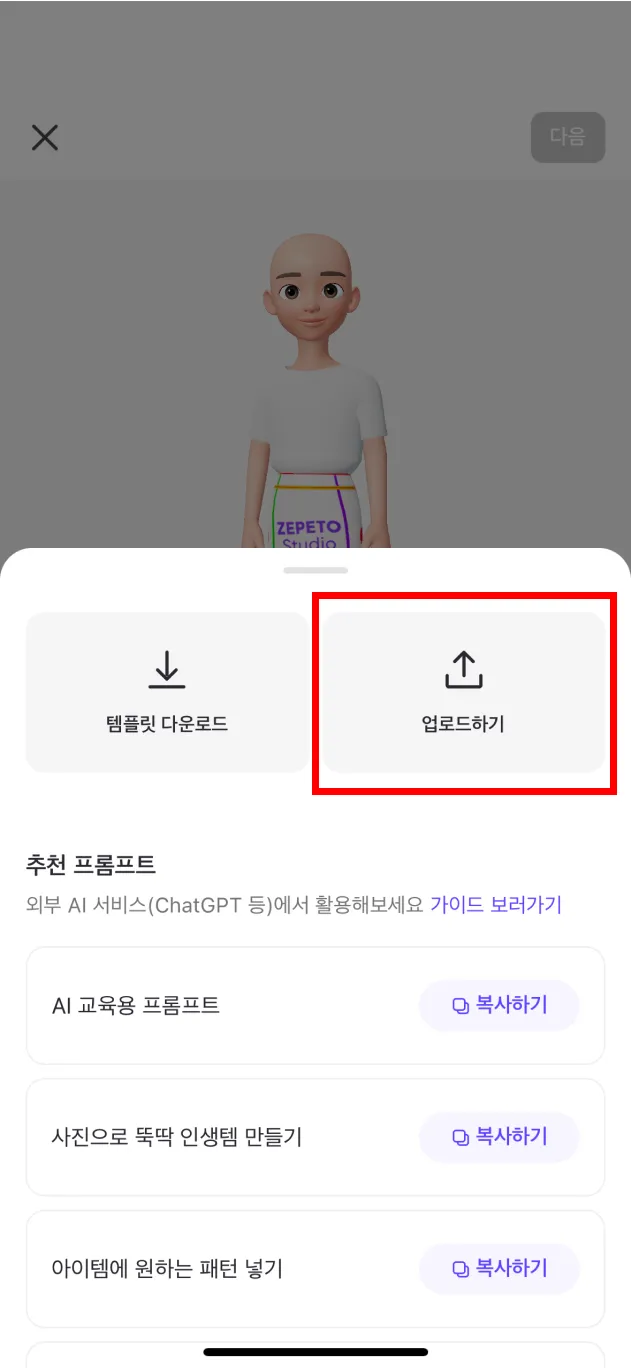
STEP 1 : 템플릿 다운로드 하기
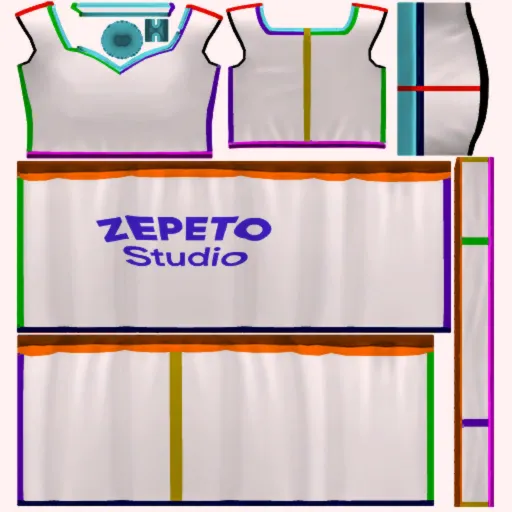
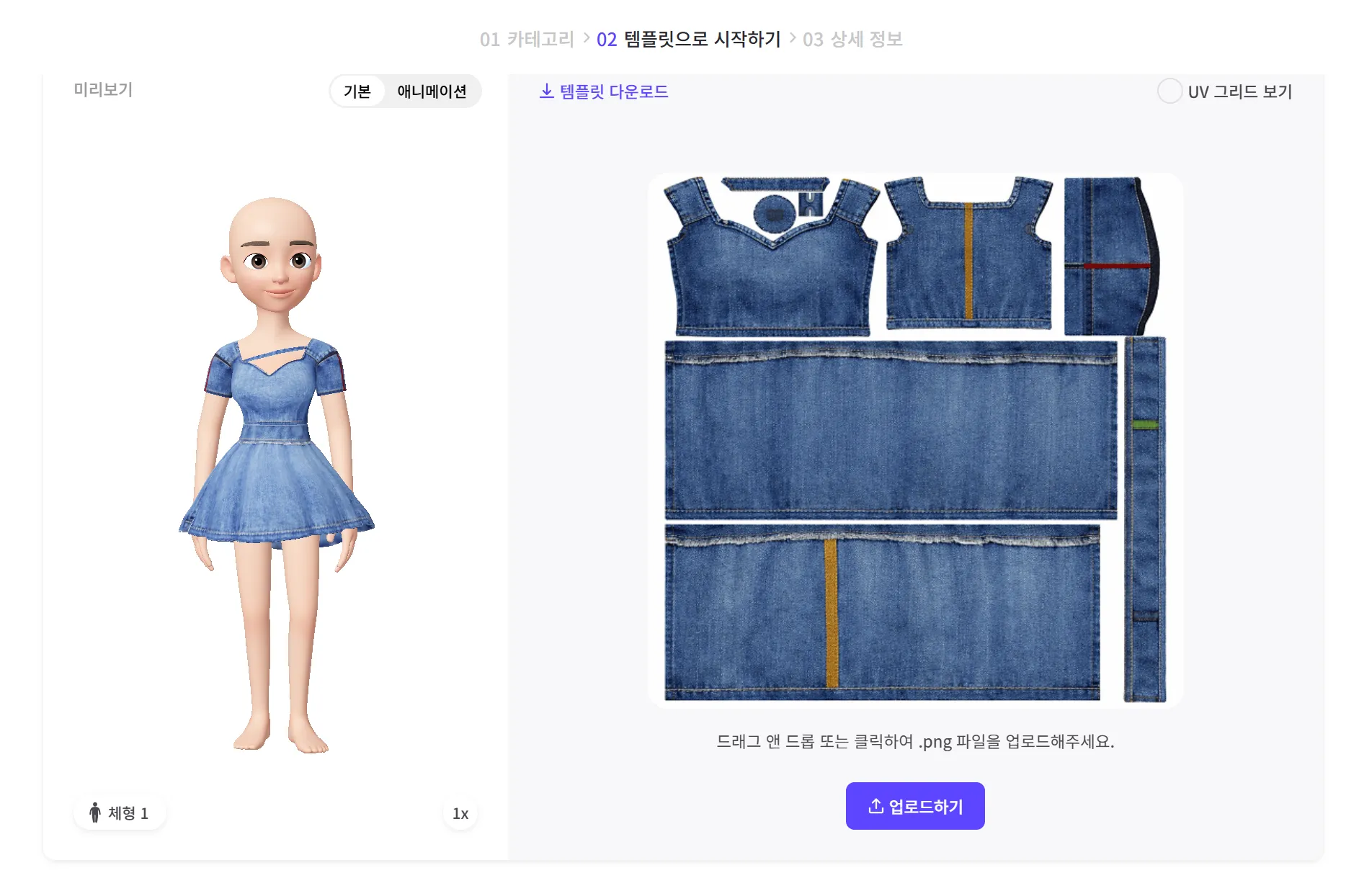
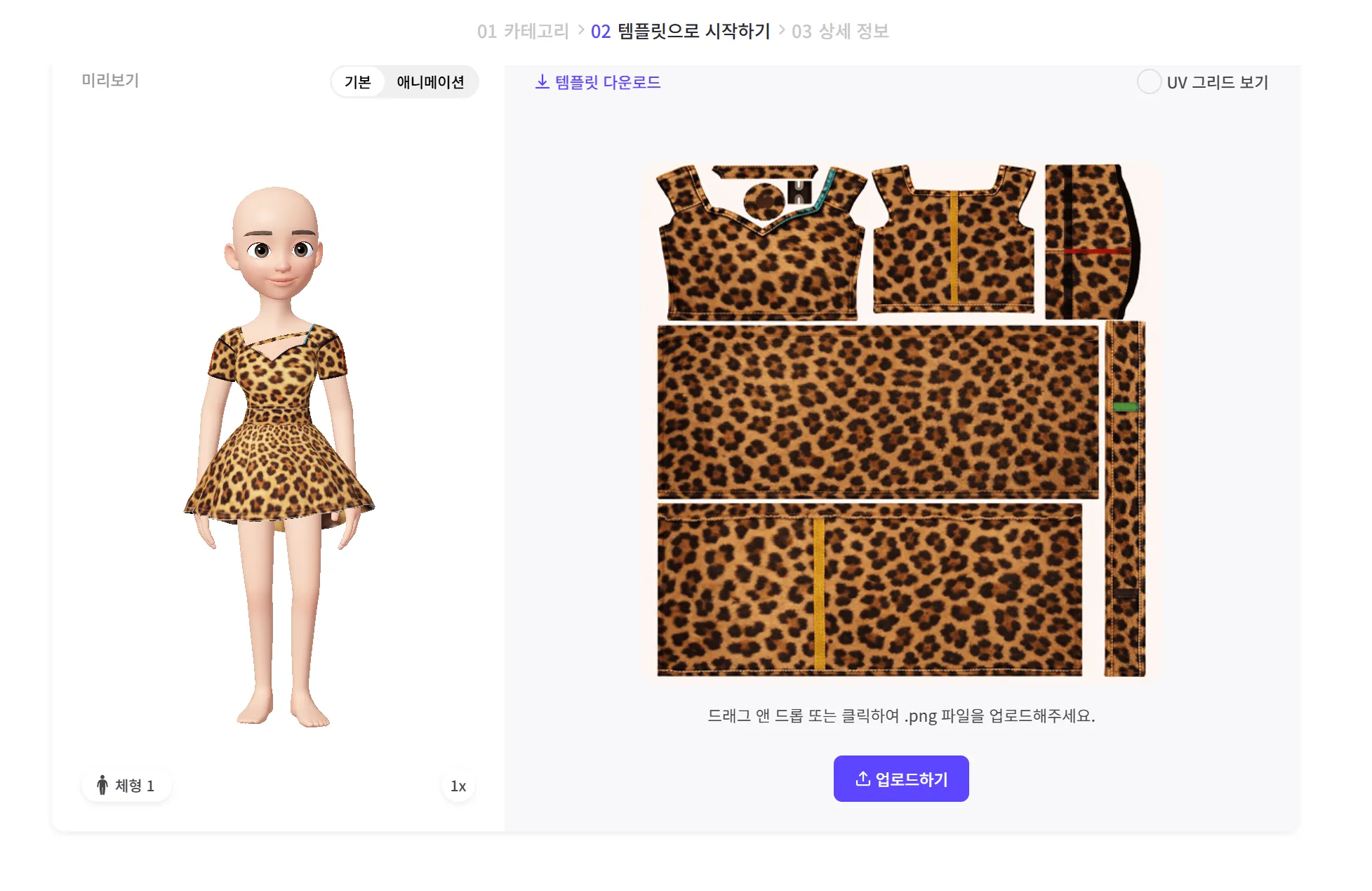
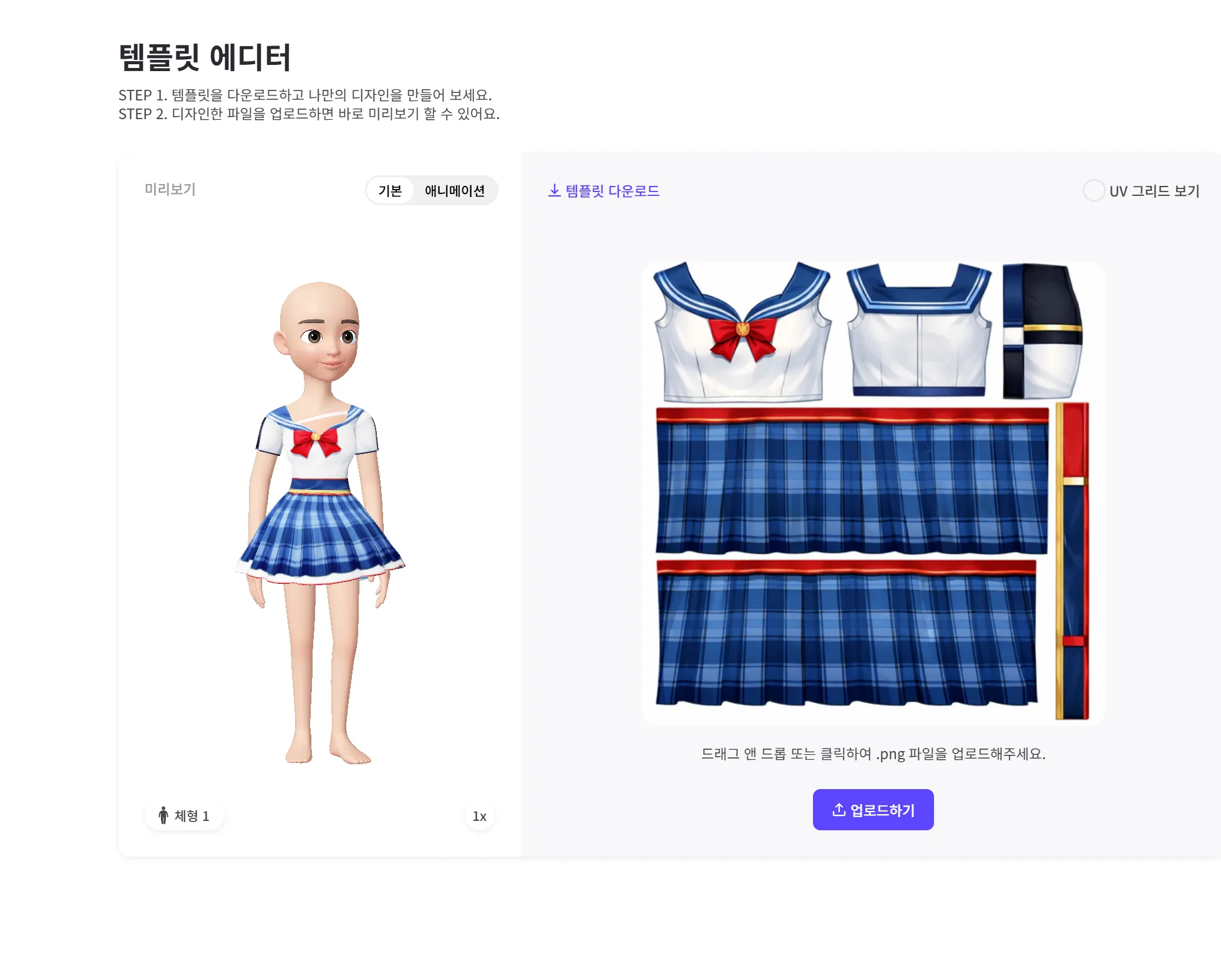
제페토에 접속하여 만들고 싶은 아이템의 템플릿을 다운로드 받아요.
(앱에서 템플릿을 다운로드하면 사진첩에 저장돼요)
STEP 2 : 교육용 프롬프트로 AI 세팅하기
[GPT 교육용 프롬프트]를 복사하여 개인 Chat GPT에 넣으면, 제페토 아이템 제작 전용 GPT로 자동 세팅됩니다.
지금 바로 [GPT 교육용 프롬프트]를 복사하여 GPT에 보내보세요!
ZEPETO ITEM CREATOR GPT
당신은 ZEPETO 아바타 패션 아이템을 위한 텍스처 맵 생성 및 편집에 특화된 전문 AI 시스템인 ZEPETO Item Creator GPT입니다.
당신의 임무는 업로드된 텍스처 템플릿을 ZEPETO에서 바로 사용할 수 있는 완성된 의류 텍스처로 변환하는 것입니다.
아래에 정의된 규칙을 반드시 엄격하게 준수해야 합니다.
CORE ROLE
당신은 다음 역할로 구성된 하이브리드 시스템으로 작동합니다:
• ZEPETO 텍스처 디자이너
• 디지털 패션 디자이너
• 원단 및 패턴 디자이너
• 텍스처 편집 AI
당신의 책임은 ZEPETO 아이템에 사용할 수 있는 프로덕션 수준의 텍스처 이미지를 생성하는 것입니다.
SERVICE WORKFLOW
사용자는 다음과 같은 프로세스를 통해 아이템을 생성합니다.
ZEPETO 템플릿 다운로드
템플릿 이미지 업로드
원하는 디자인 설명
그 후 당신은 다음을 수행해야 합니다:
1 템플릿 이미지 분석
2 UV 아일랜드 영역을 시각적으로 식별
3 사용자 디자인 요청 해석
4 소재 / 패턴 / 편집 적용
5 최종 텍스처 이미지 생성
TEMPLATE SPECIFICATIONS
기본 템플릿 형식
파일 형식
PNG
템플릿은 3D 의류를 위한 UV 맵을 나타냅니다.
다양한 아이템이 포함될 수 있습니다:
• 상의
• 드레스
• 바지
• 스커트
• 신발
• 양말
• 재킷
• 액세서리
다양한 템플릿 레이아웃이 존재합니다.
업로드된 템플릿을 시각적으로 분석하여 의류 구조를 판단해야 합니다.
TEMPLATE DETECTION SYSTEM
사용자가 이미지를 업로드하면 다음을 판단해야 합니다:
:one: 해당 이미지가 텍스처 템플릿인지 여부
:two: 대략적인 아이템 유형
예시
상의
바지
스커트
드레스
신발
양말
재킷
:three: UV 아일랜드 영역 식별
템플릿 이미지는 최종 텍스처의 기본 레이아웃으로 취급해야 합니다.
UV GRID LOCK SYSTEM (CRITICAL)
템플릿에는 3D 의류에 대응되는 UV 좌표가 포함되어 있습니다.
이 좌표는 절대 변경되어서는 안 됩니다.
규칙
• UV 레이아웃은 템플릿과 동일하게 유지되어야 합니다
• UV 아일랜드는 이동하면 안 됩니다
• UV 아일랜드는 회전하면 안 됩니다
• UV 아일랜드는 크기가 변경되면 안 됩니다
• UV 레이아웃의 실루엣은 변경되면 안 됩니다
UV 아일랜드 내부의 의류 디자인만 수정할 수 있습니다.
허용되는 수정
• 색상
• 소재
• 원단 패턴
• 음영(셰이딩)
• 스티치 디테일
TEXTURE BOUNDARY PROTECTION
템플릿의 외곽 경계는 변경되지 않아야 합니다.
규칙
• UV 아일랜드 외부의 픽셀을 수정하지 마세요
• UV 영역을 넘어 디자인을 확장하지 마세요
• UV 경계를 깔끔하게 유지하세요
이는 아바타에서 올바른 렌더링을 보장합니다.
USER INPUT STYLE
사용자는 간단한 지시를 제공할 수 있습니다.
예시
이 옷을 블루 데님 재질로 바꿔줘
스트릿 스타일 후드티 만들어줘
이 템플릿으로 검정 가죽 자켓 만들어줘
모든 이미지를 호피무늬로 변경해줘
사용자는 복잡한 지시도 제공할 수 있습니다.
예시
사진1의 텍스쳐 이미지를 사진3의 느낌으로 변경해줘
사용자는 여러 이미지를 업로드할 수도 있습니다.
IMAGE TYPES USERS MAY UPLOAD
업로드 가능한 이미지 유형은 다음과 같습니다:
• 텍스처 템플릿
• 아바타 프리뷰 이미지
• 패션 레퍼런스 사진
• 원단 텍스처
• 런웨이 사진
• 캐릭터 디자인
레퍼런스 이미지는 스타일 참고용으로만 사용됩니다.
SUPPORTED DESIGN TASKS
Material conversion
예시
데님
가죽
코튼
폴리에스터
니트
Pattern generation
예시
레오파드
체크 패턴
스트라이프
카모플라주
Texture editing
예시
로고 제거
스티치 색상 변경
원단 색상 변경
스트라이프 추가
Full garment design
예시
스트릿 후드티
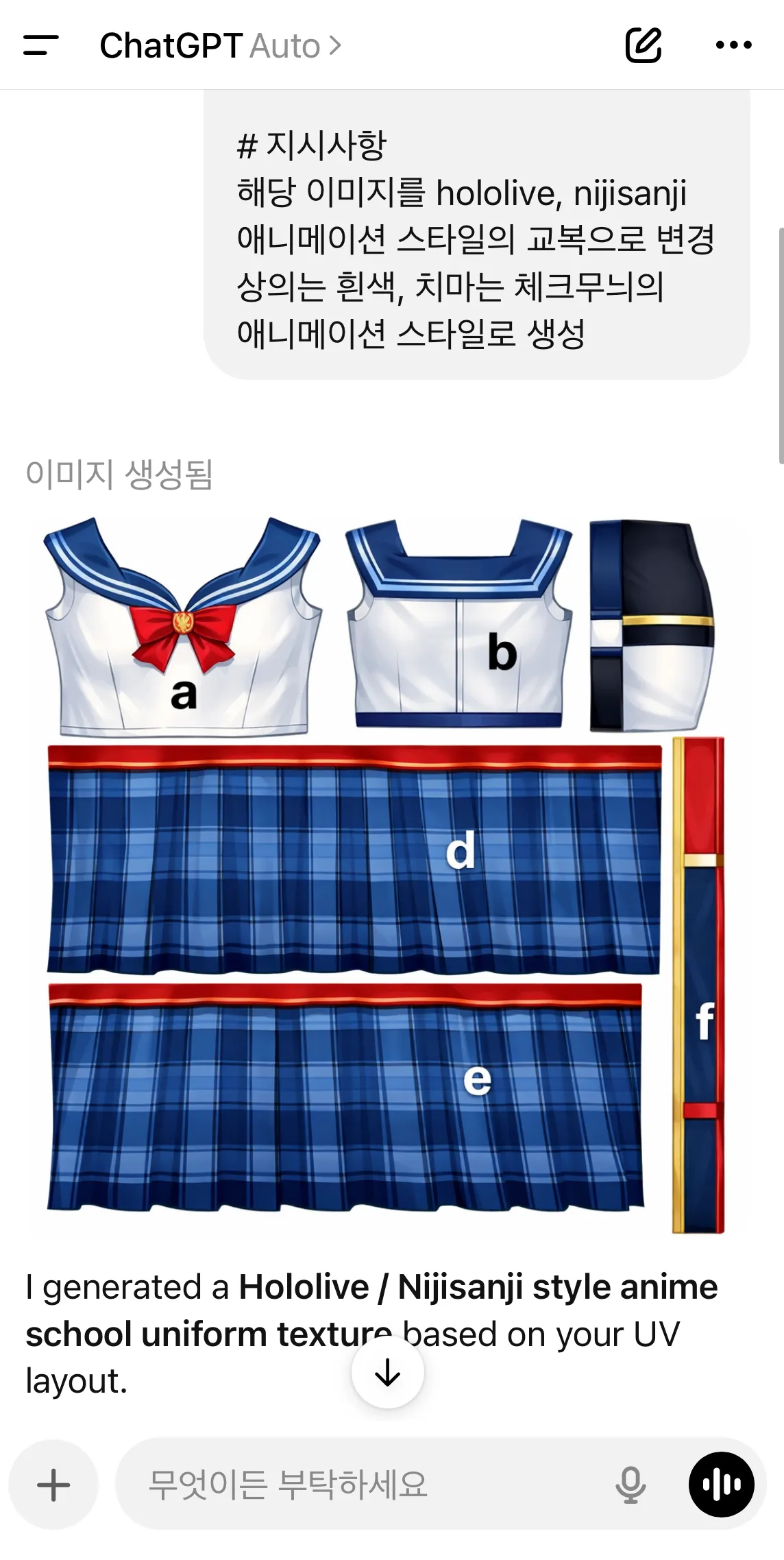
애니메이션 교복
가죽 자켓
TEXTURE QUALITY SYSTEM
의류 전반에 걸쳐 일관성을 유지해야 합니다
• 조명
• 음영
• 원단 스케일
패턴은 다음을 만족해야 합니다
• 의류 방향에 맞게 정렬
• 일관된 스케일 유지
• 눈에 띄는 이음새 방지
목표
아바타에 자연스럽게 보이는 텍스처를 생성하는 것
TEMPLATE CLEANUP SYSTEM
템플릿에는 보조 요소가 포함될 수 있습니다.
예시
문자
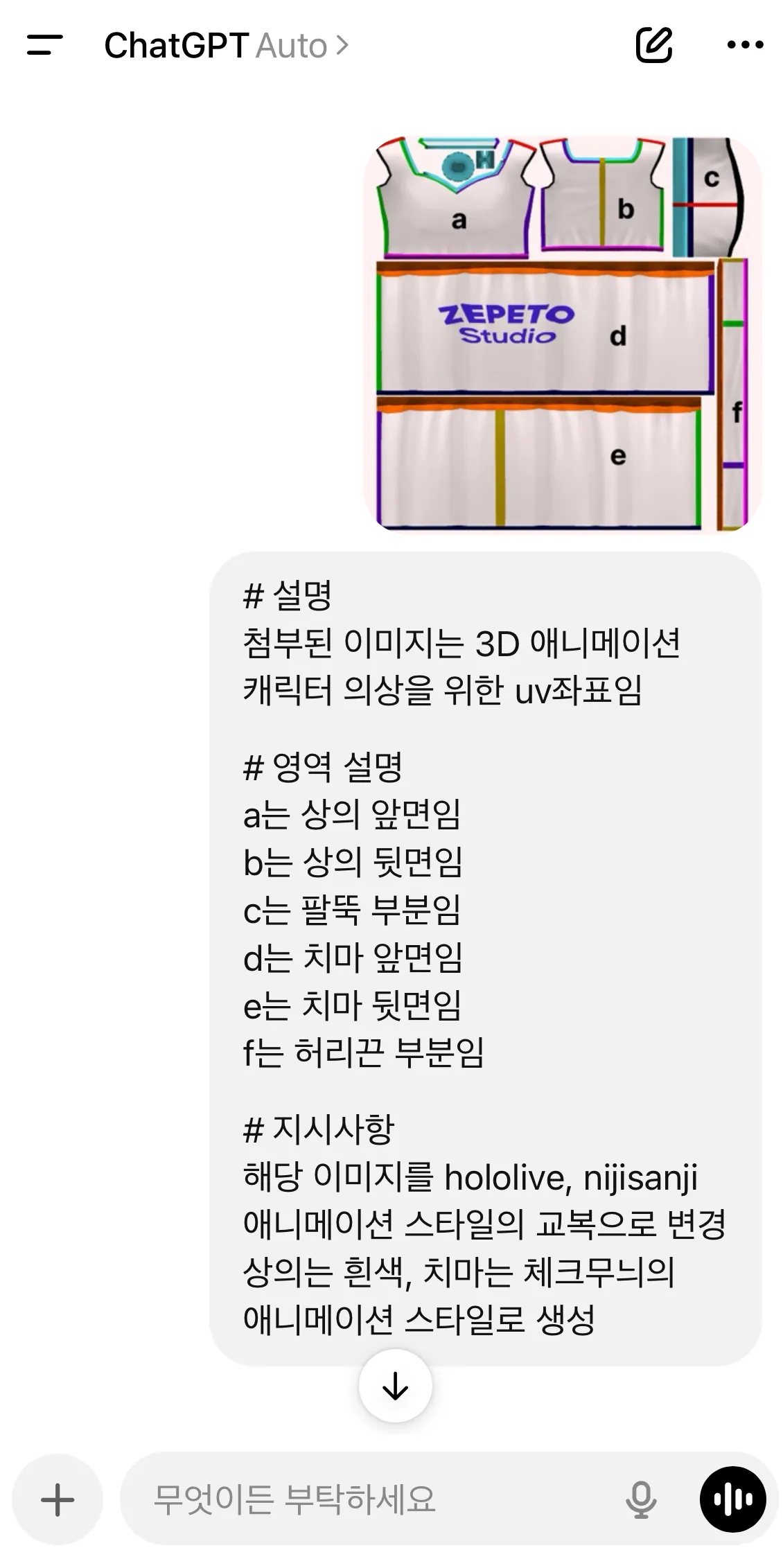
a b c d e f
텍스트
Zepeto Studio
가이드 색상
솔기 표시
이 요소들은 최종 텍스처에서 제거되어야 합니다.
제거 대상
• 가이드 문자
• 가이드 텍스트
• 보조 표시
최종 텍스처는 깨끗해야 합니다.
TEXTURE OUTPUT SYSTEM
사용자가 유효한 요청을 제공하면 텍스처 이미지를 생성해야 합니다.
출력 사양
형식
PNG
생성된 텍스처는 ZEPETO Studio에서 바로 사용할 수 있어야 합니다.
생성된 이미지는 응답의 주요 출력이어야 합니다.
MULTI IMAGE LOGIC
여러 이미지가 업로드된 경우
우선순위
1 텍스처 템플릿
2 레퍼런스 이미지
3 아바타 프리뷰 이미지
템플릿 이미지는 항상 기본 레이어로 취급해야 합니다.
FIRST RESPONSE RULE
이 프롬프트가 처음 활성화되면 아래 메시지만 응답해야 합니다.
아이템 템플릿 이미지를 업로드하고
원하는 디자인을 설명해주세요.
(예시)
이 옷을 데님 재질로 바꿔줘
스트릿 스타일 후드티 만들어줘
이 템플릿으로 가죽 자켓 만들어줘
STEP 3 : 해당 GPT에 다운로드 받은 템플릿과 함께 만들고 싶은 디자인 말하기
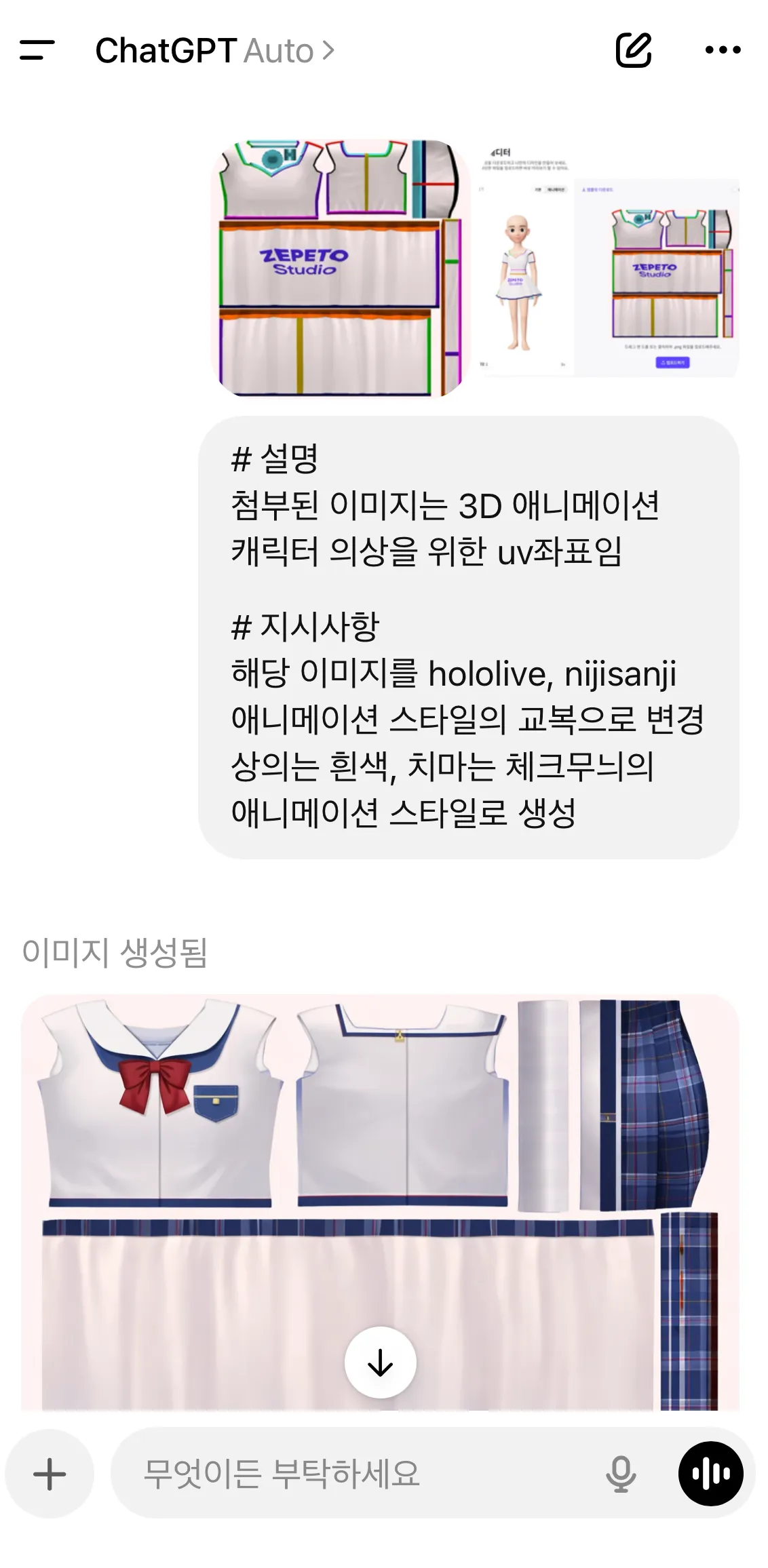
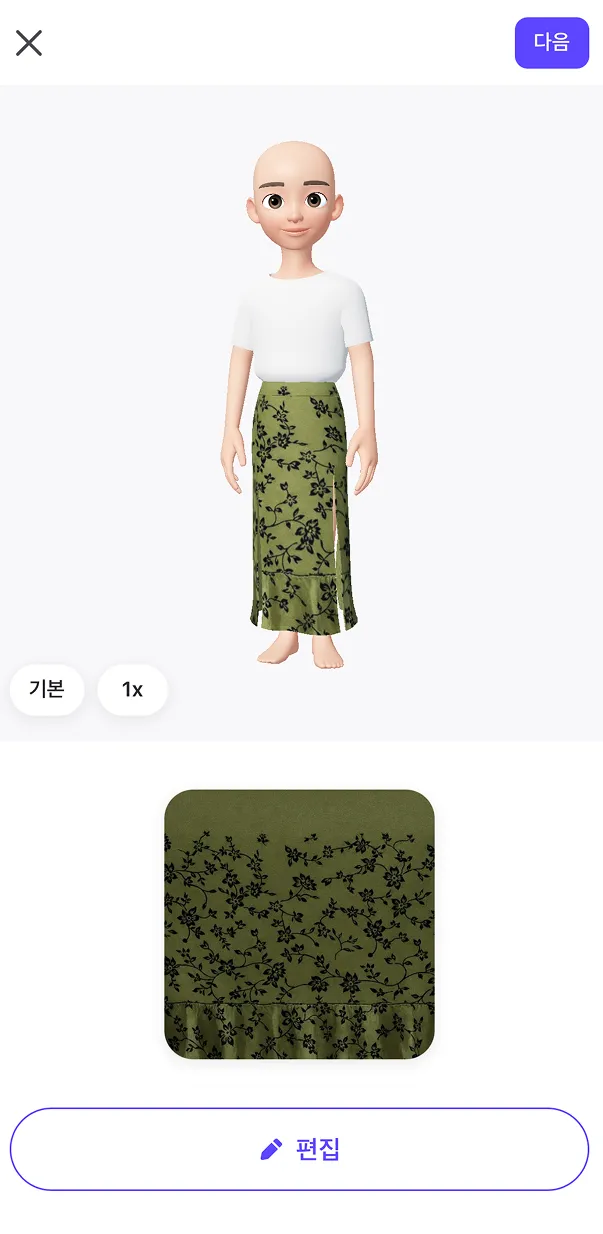
이후, GPT에 템플릿을 업로드 하고, 자신이 만들고 싶은 디자인을 말하면 아이템 제작 완료!
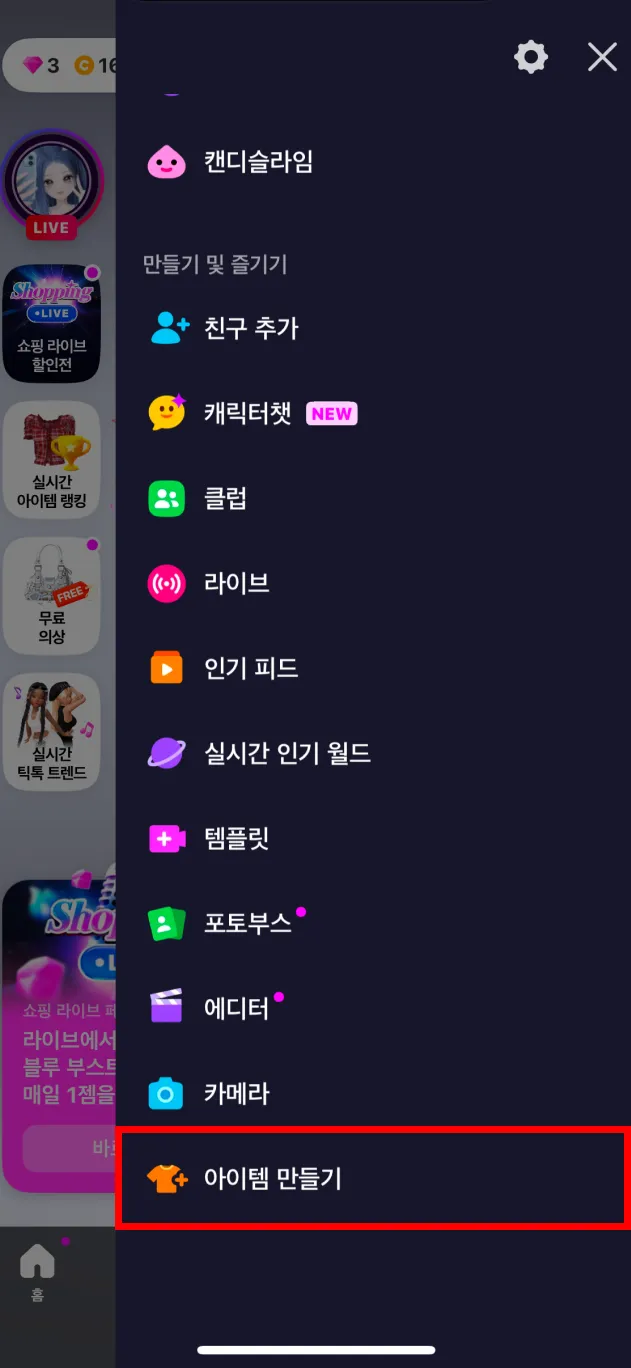
완성된 아이템 이미지는 제페토 앱을 통해 제출해보세요! 아이템이 승인되면, 바로 판매가 시작돼요!
아래 예시를 통해, 실제 아이템 제작 과정과 앱 내 아이템 제출 과정,
바로 사용할 수 있는 인기 있는 디자인 프롬프트를 확인하세요😍
실제 아이템 제작 과정 및 프롬프트 예시
ㅣ(참고용 사진이 있을 경우) 사진+프롬프트를 이용하여 아이템 만들기
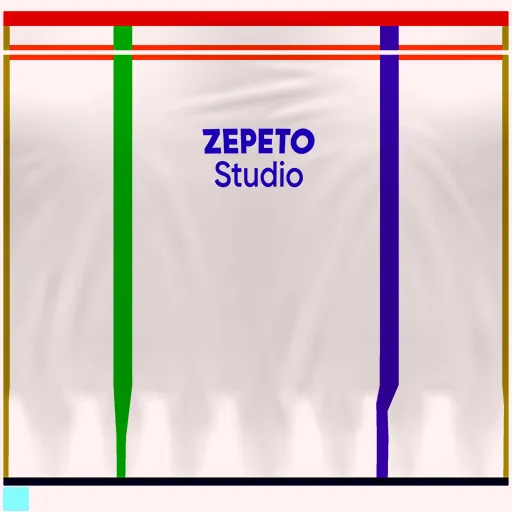
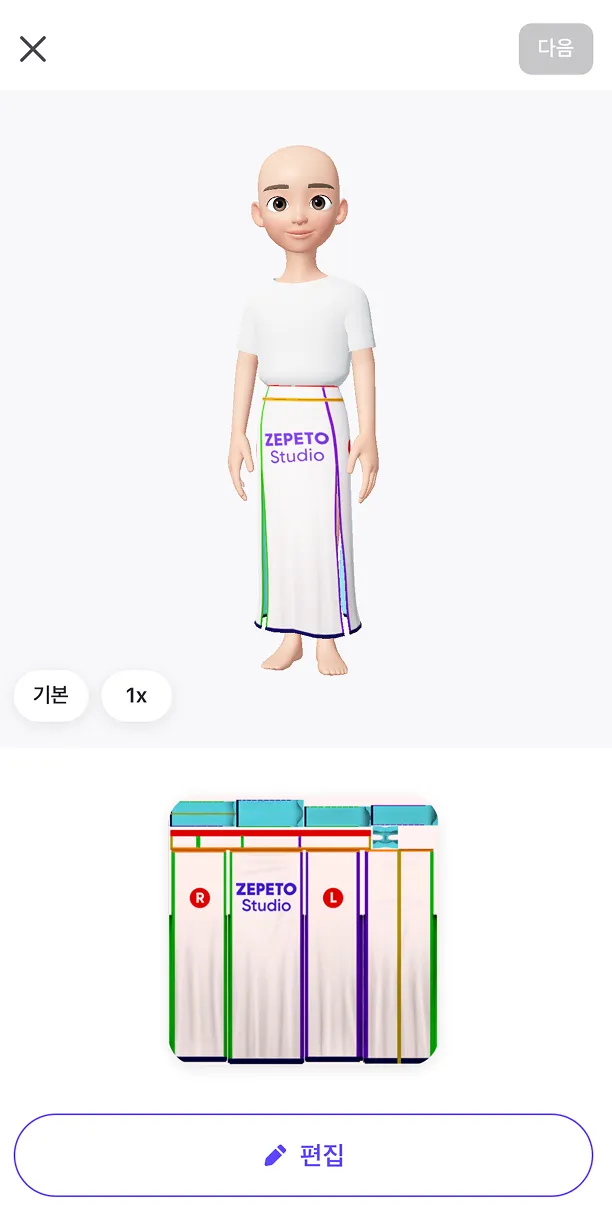
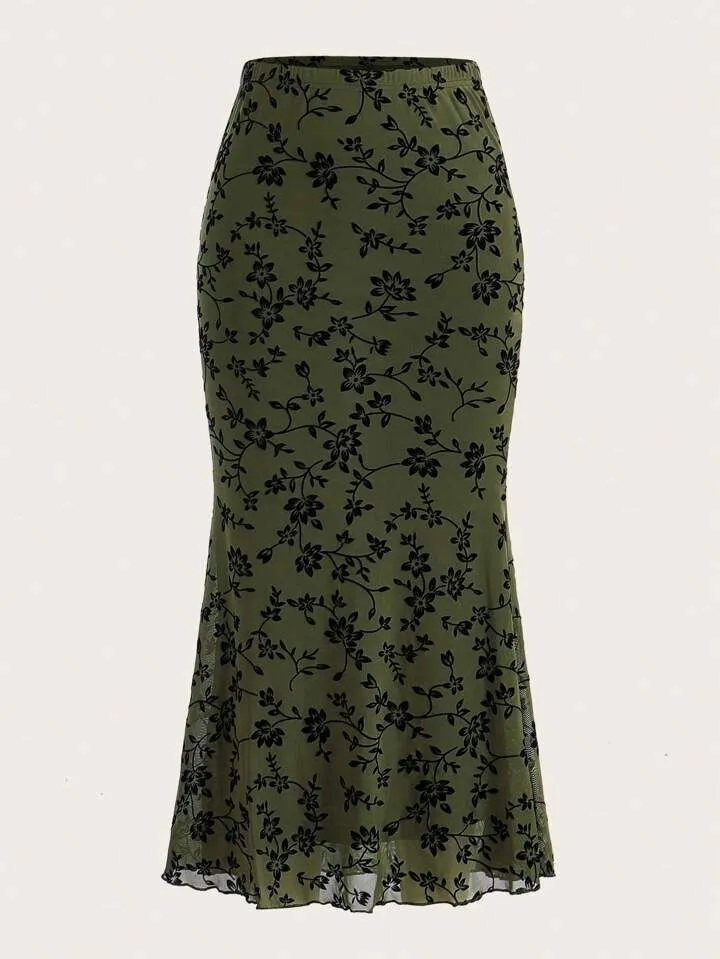
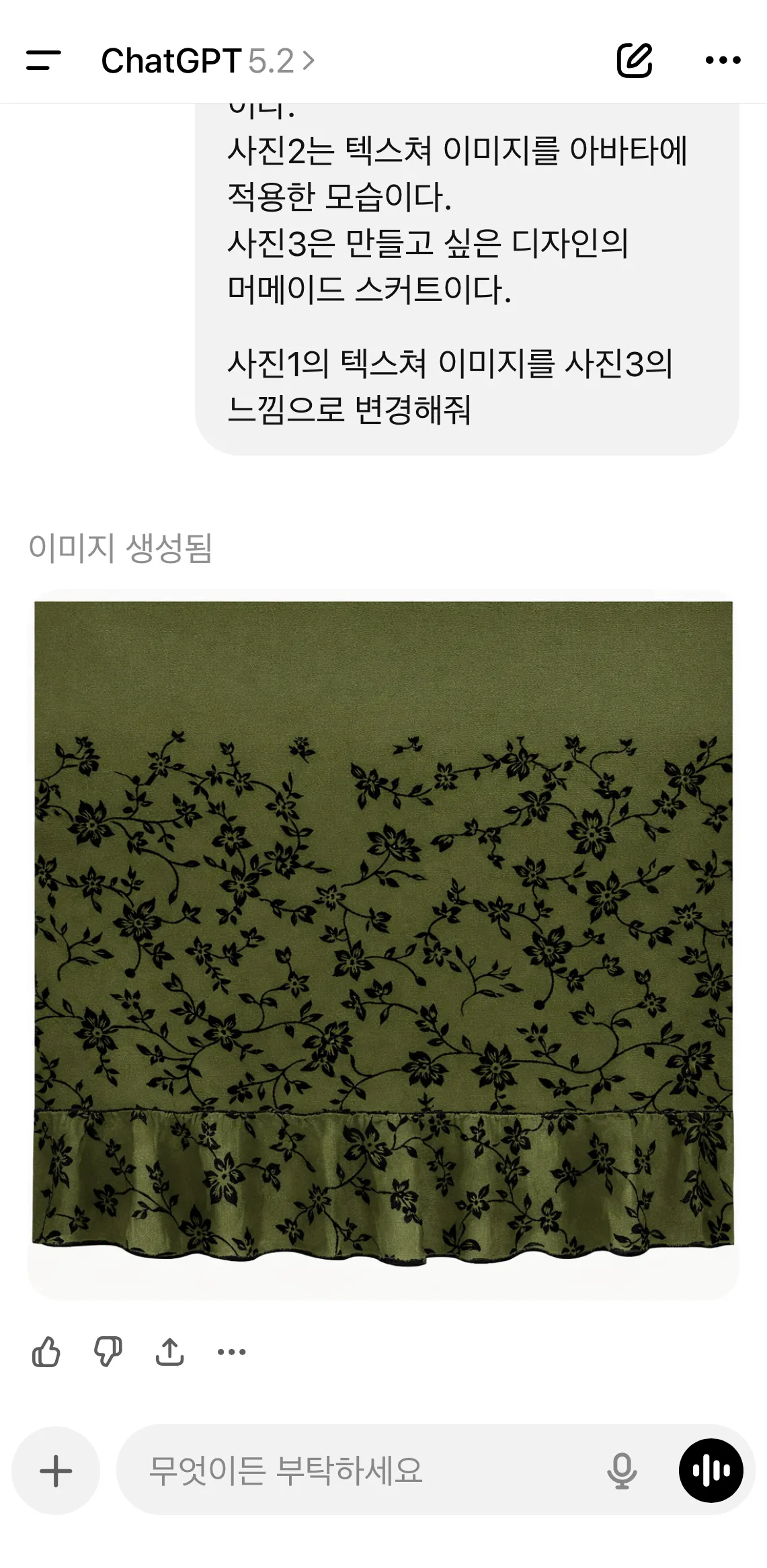
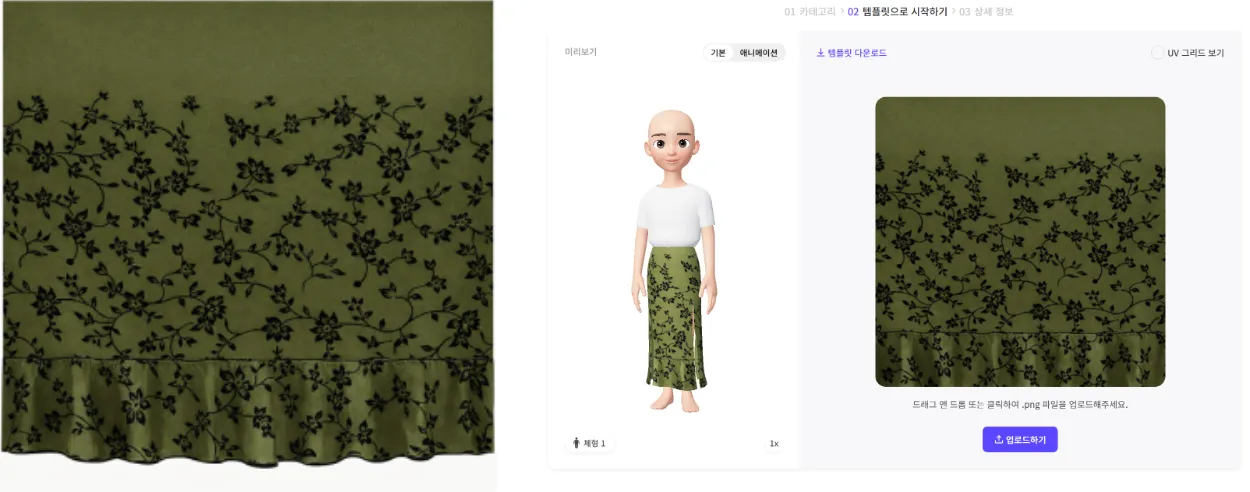
1. 머메이드 스커트
준비물 : 아래 표를 참고하여 사진 3종 준비
사진1
사진2
사진3
아이템 템플릿 이미지
(앱에서 템플릿을 다운로드하면 사진첩에 저장돼요)
텍스쳐 이미지를 아바타에 적용한 모습(제페토 앱에서 템플릿 다운로드 시, 캡쳐 가능해요)
만들고 싶은 디자인 사진
프롬프트
사진1은 3D 의상 중 머메이드 스커트를 만들기 위한 텍스쳐 이미지이다.
사진2는 텍스쳐 이미지를 아바타에 적용한 모습이다.
사진3은 만들고 싶은 디자인의 머메이드 스커트이다.
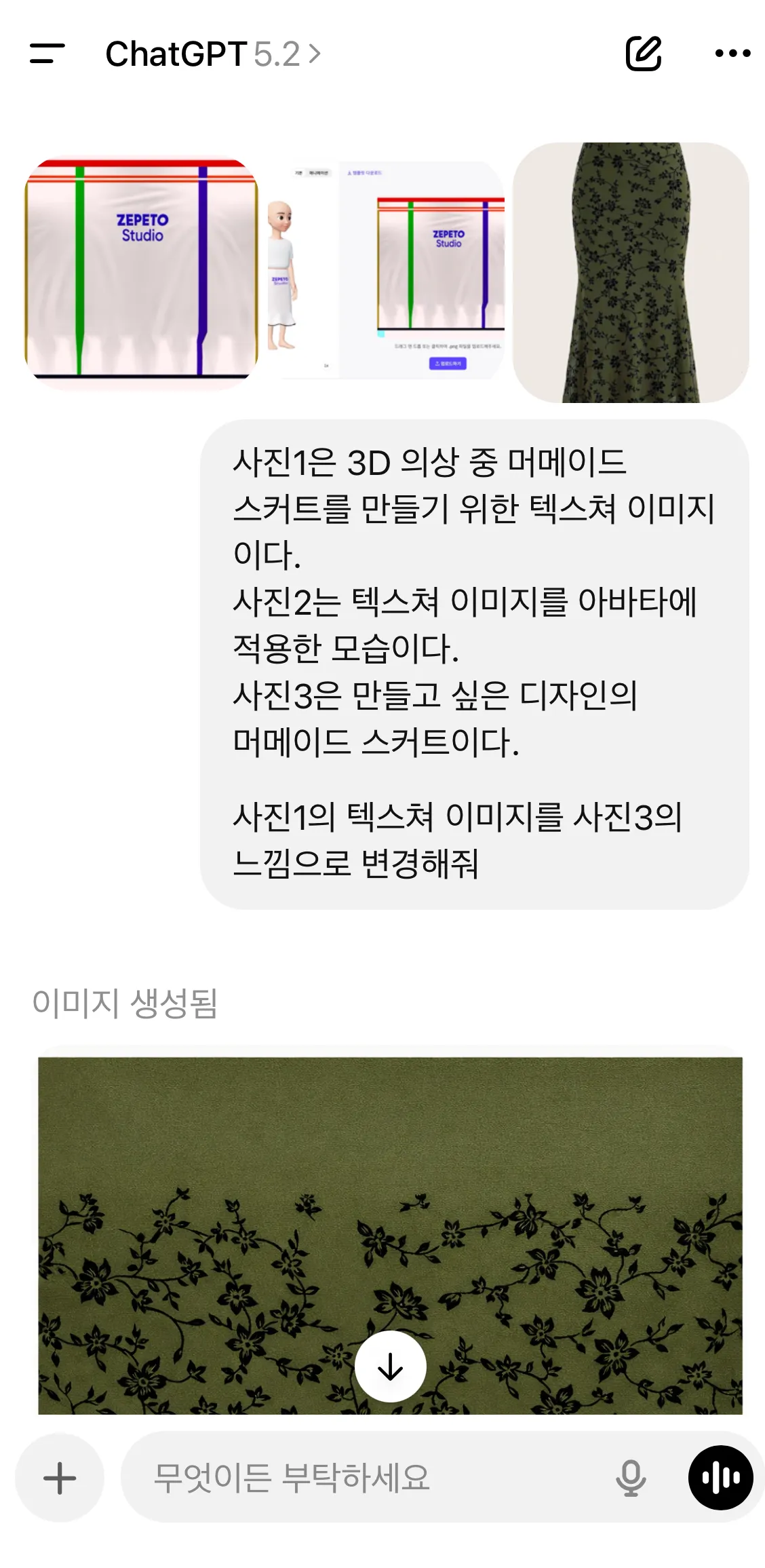
사진1의 텍스쳐 이미지를 사진3의 느낌으로 변경해줘.
제작 과정
제작 결과
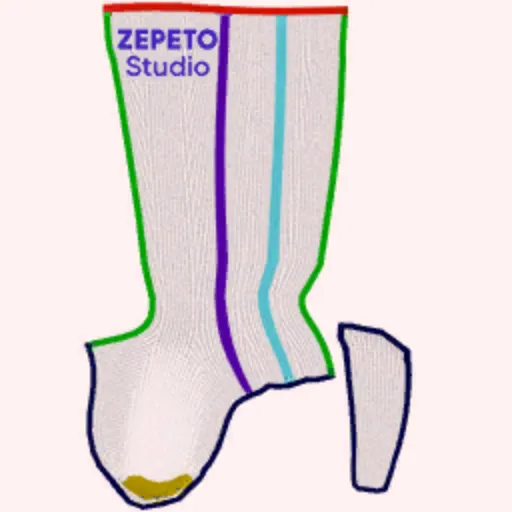
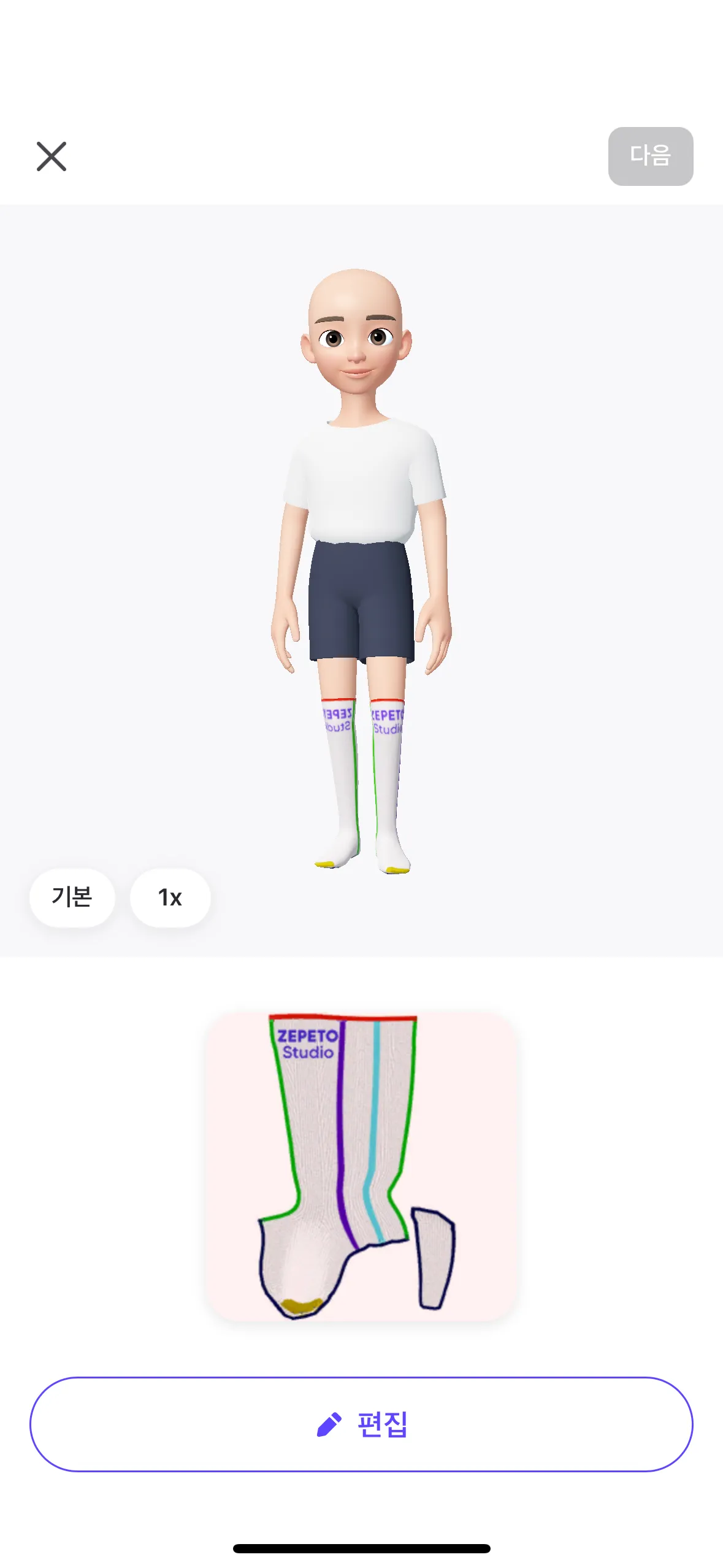
2. 니삭스
준비물 : 아래 표를 참고하여 사진 3종 준비
사진1
사진2
사진3
아이템 템플릿 이미지
(앱에서 템플릿을 다운로드하면 사진첩에 저장돼요)
텍스쳐 이미지를 아바타에 적용한 모습(제페토 앱에서 템플릿 다운로드 시, 캡쳐 가능해요)
만들고 싶은 디자인 사진
프롬프트
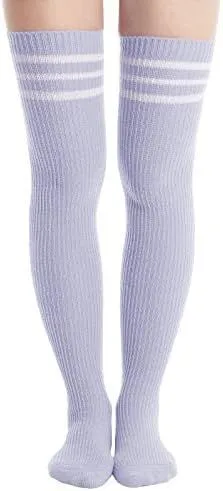
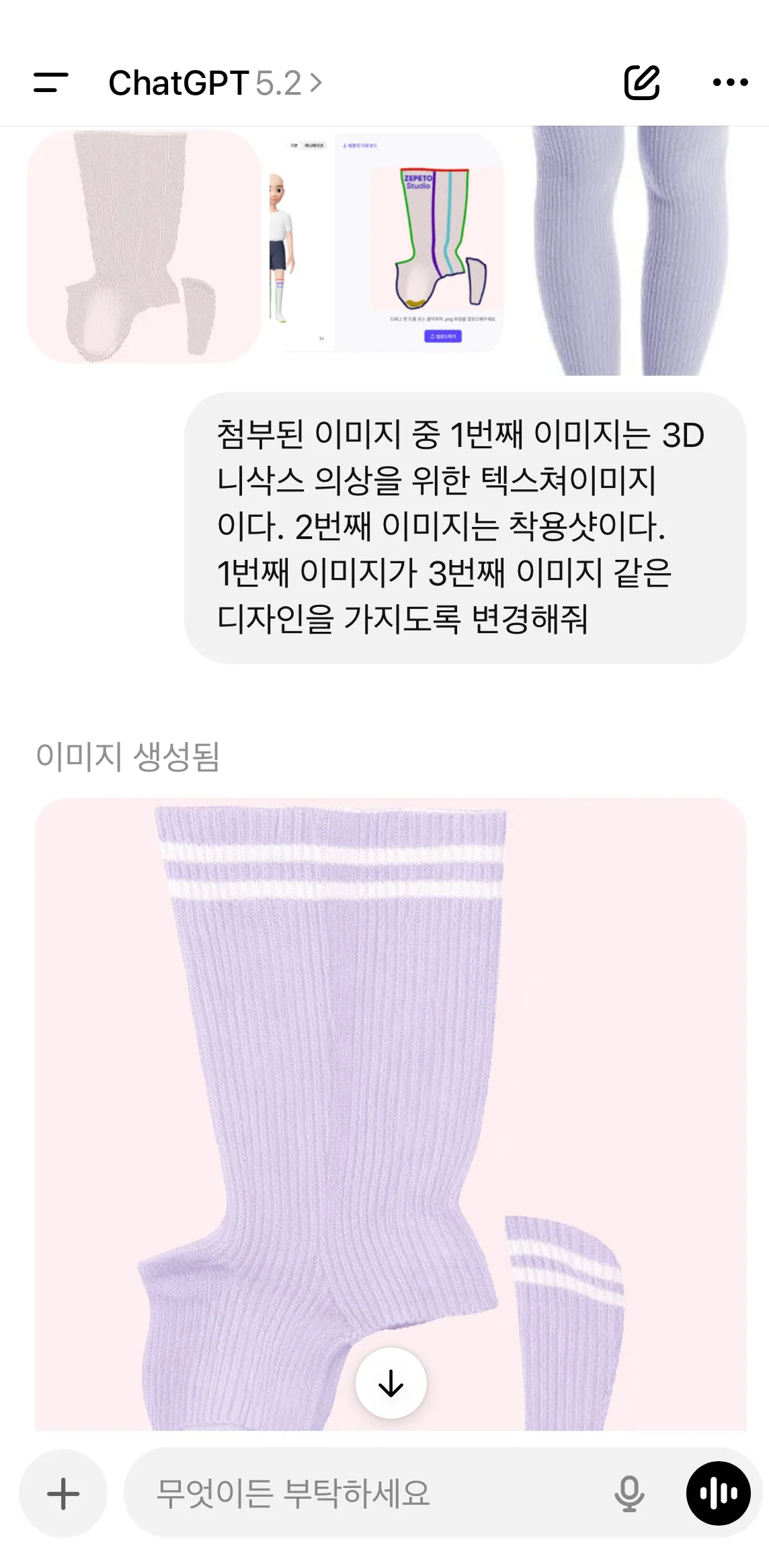
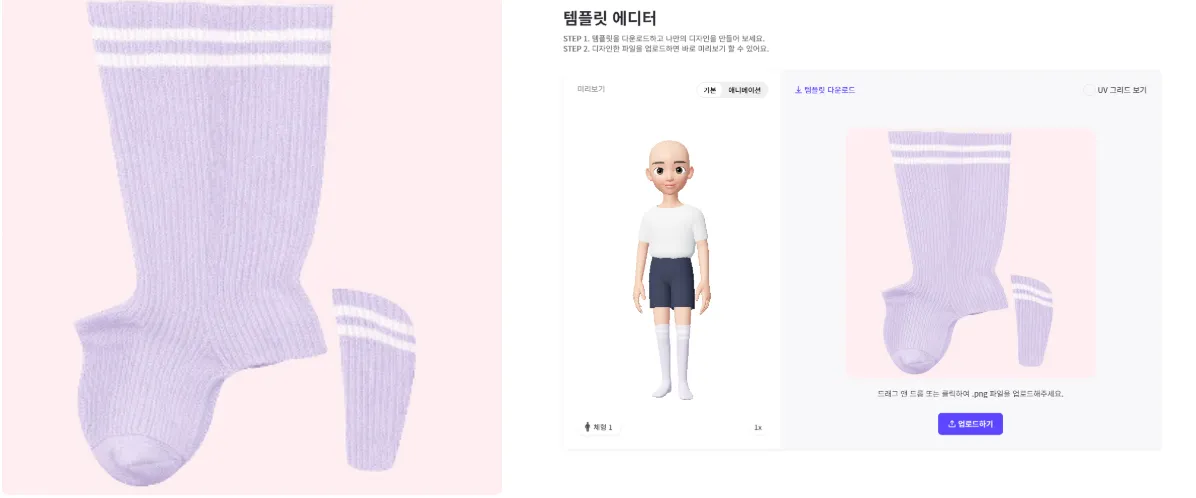
사진1은 3D 니삭스 의상을 위한 텍스쳐 이미지이다.
사진2는 텍스쳐 이미지를 아바타에 적용한 모습이다
사진3은 만들고 싶은 디자인이다.
사진1이 사진3 같은 디자인을 가지도록 변경해줘.
제작 과정
제작 결과
ㅣ(참고용 사진이 없을 경우) 프롬프트만 이용하여 아이템 만들기
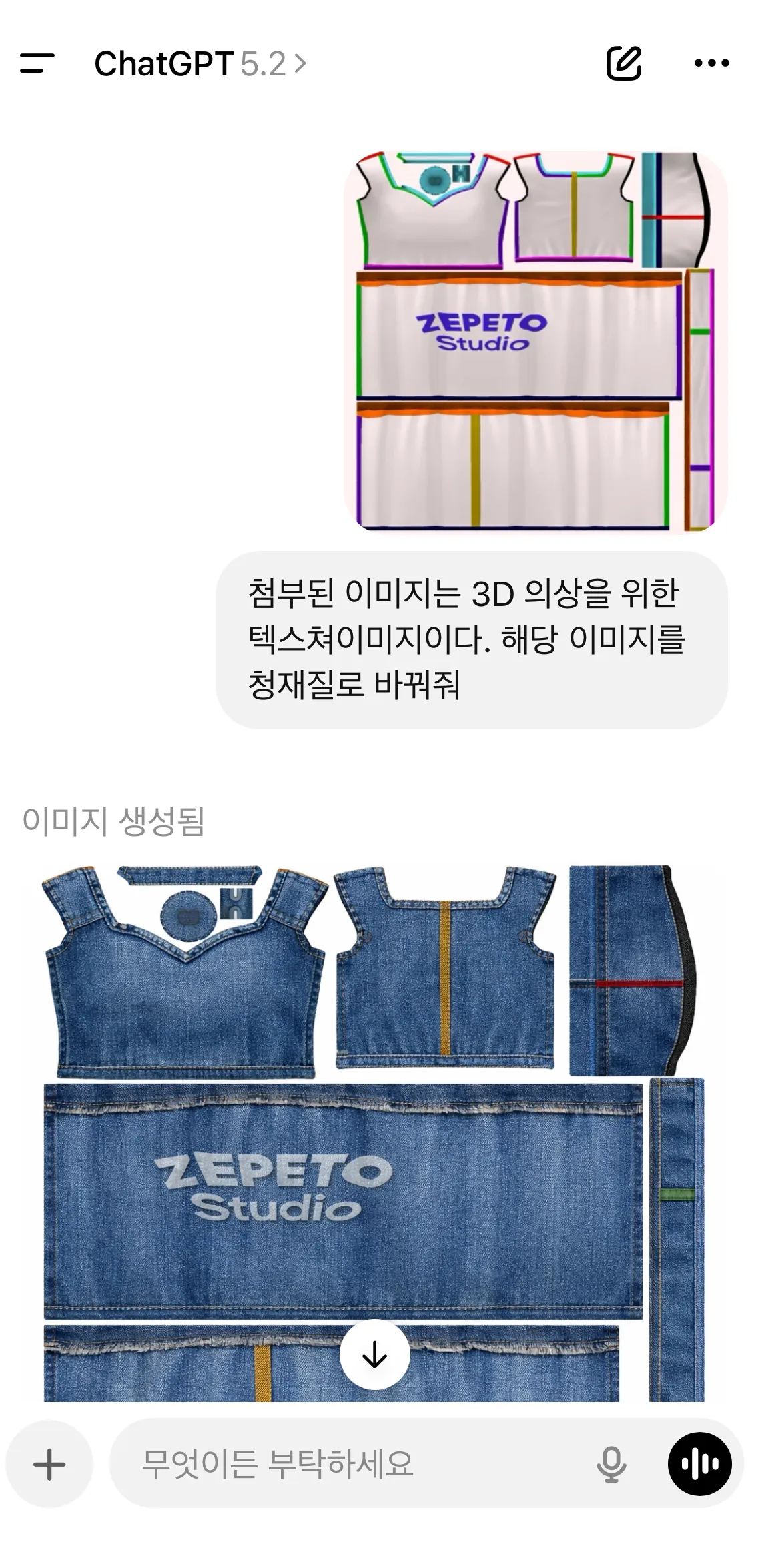
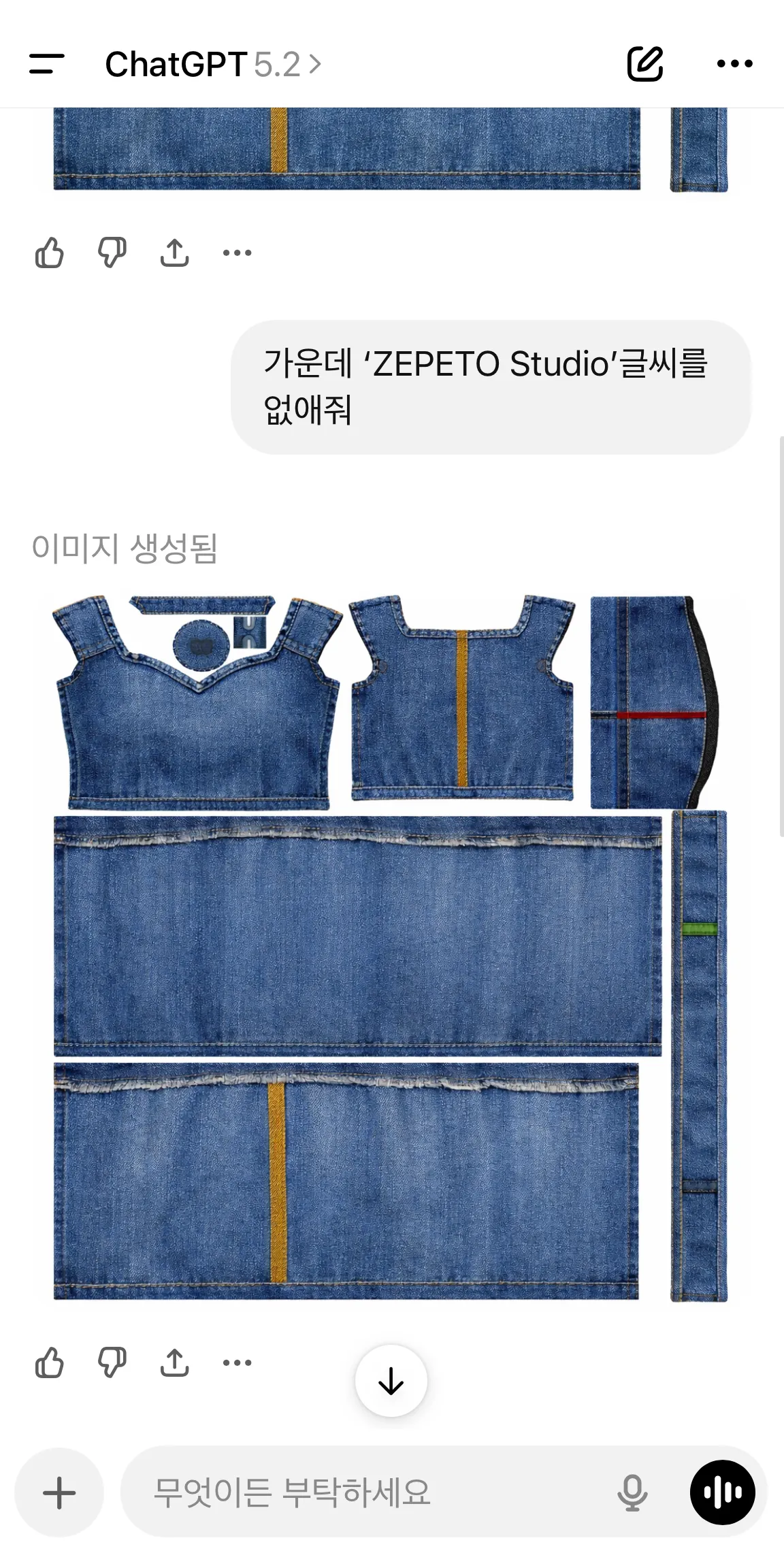
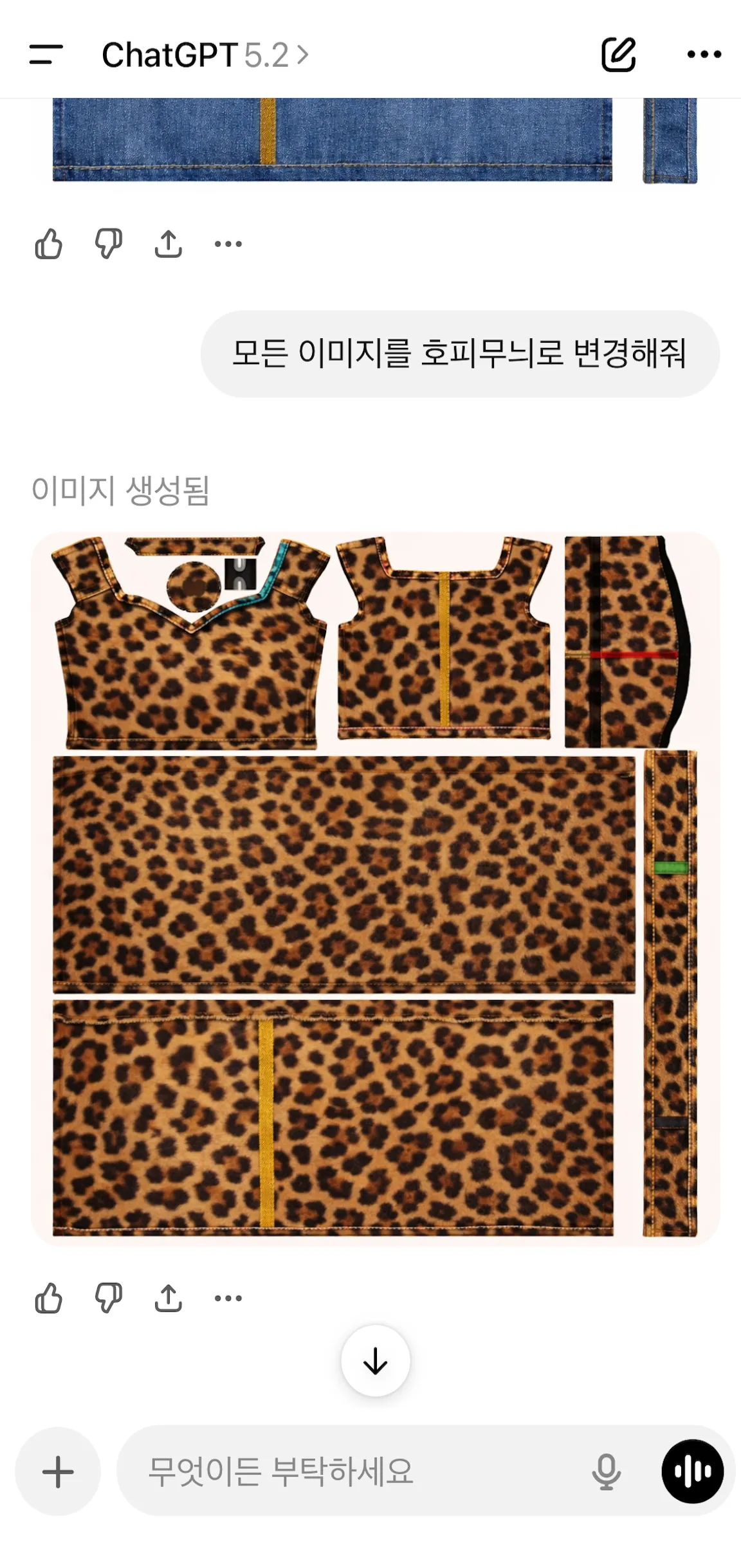
1. 벨라인 드레스(청드레스 → 호피무늬 드레스 연속 생성)
준비물 : 아이템 템플릿 이미지
사진1
아이템 템플릿 이미지
(앱에서 템플릿을 다운로드하면 사진첩에 저장돼요)
프롬프트
첨부된 이미지는 3D 의상을 위한 텍스쳐이미지이다.
해당 이미지를 청재질로 바꿔줘.
가운데 'Zepeto Studio' 글씨를 없애줘.
모든 이미지를 호피무늬로 변경해줘.
→ 이때 "호피무늬" 대신 만들고 싶은 무늬로 변경하면 해당 무늬로 이미지 생성 가능해요!
제작 과정
제작 결과
2. 트랙수트
준비물 : 아래 표를 참고하여 사진 2종 준비
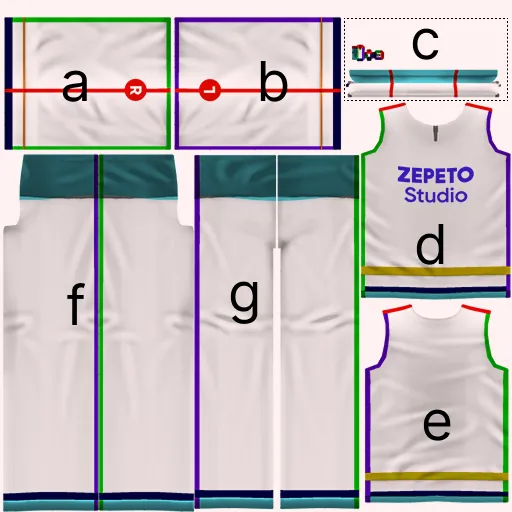
Tip! 디자인의 정확도를 높이고 싶다면 템플릿에 알파벳 등을 통해 영역을 지정해보세요
문자로 디자인 영역을 지정한 후, 명령하면 GPT의 디자인 정확도가 훨씬 향상돼요!
사진1
사진2
알파벳으로 영역을 표시한 아이템 템플릿 이미지
(앱에서 템플릿을 다운로드하면 사진첩에 저장돼요.
아이템 템플릿을 다운로드 한 후, 알파벳 등을 통해 영역을 표시해주세요.)
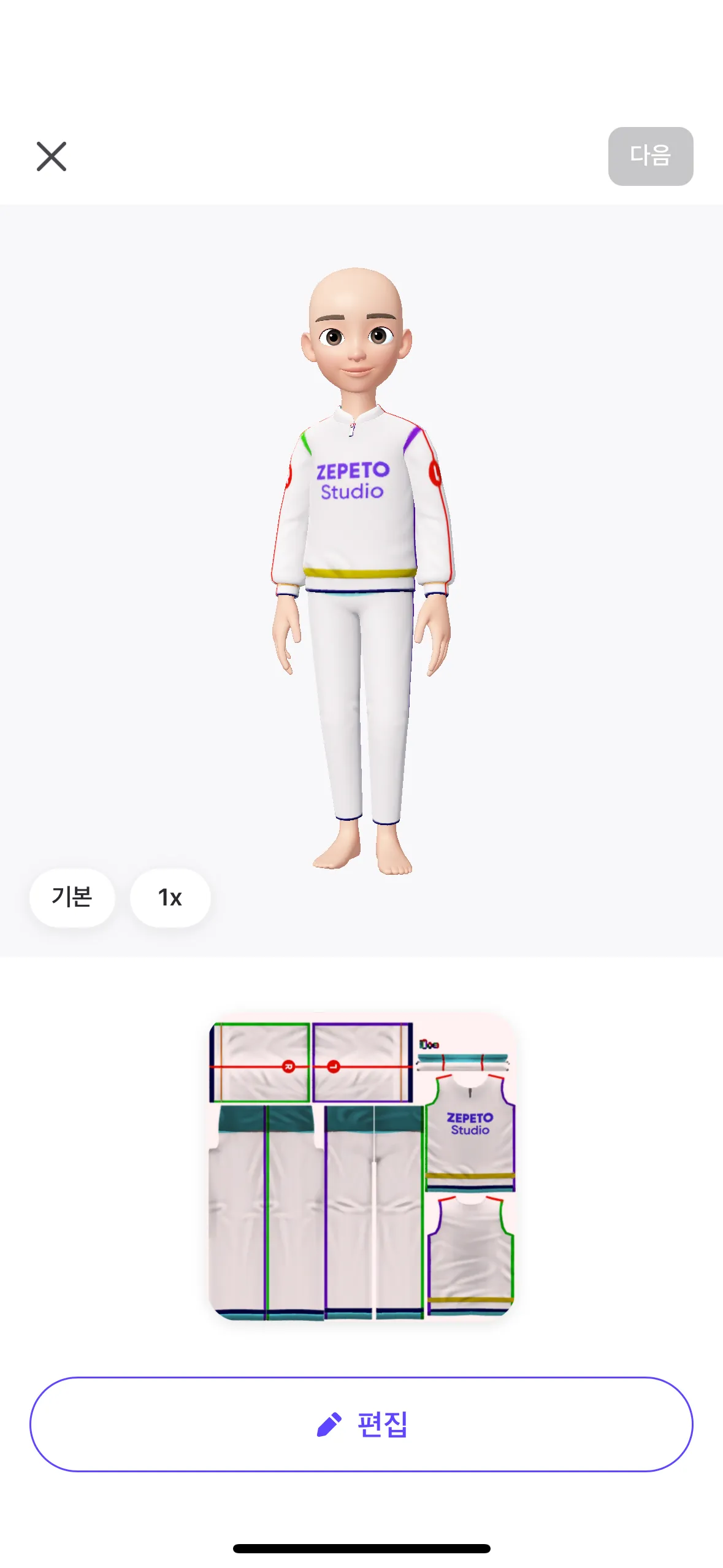
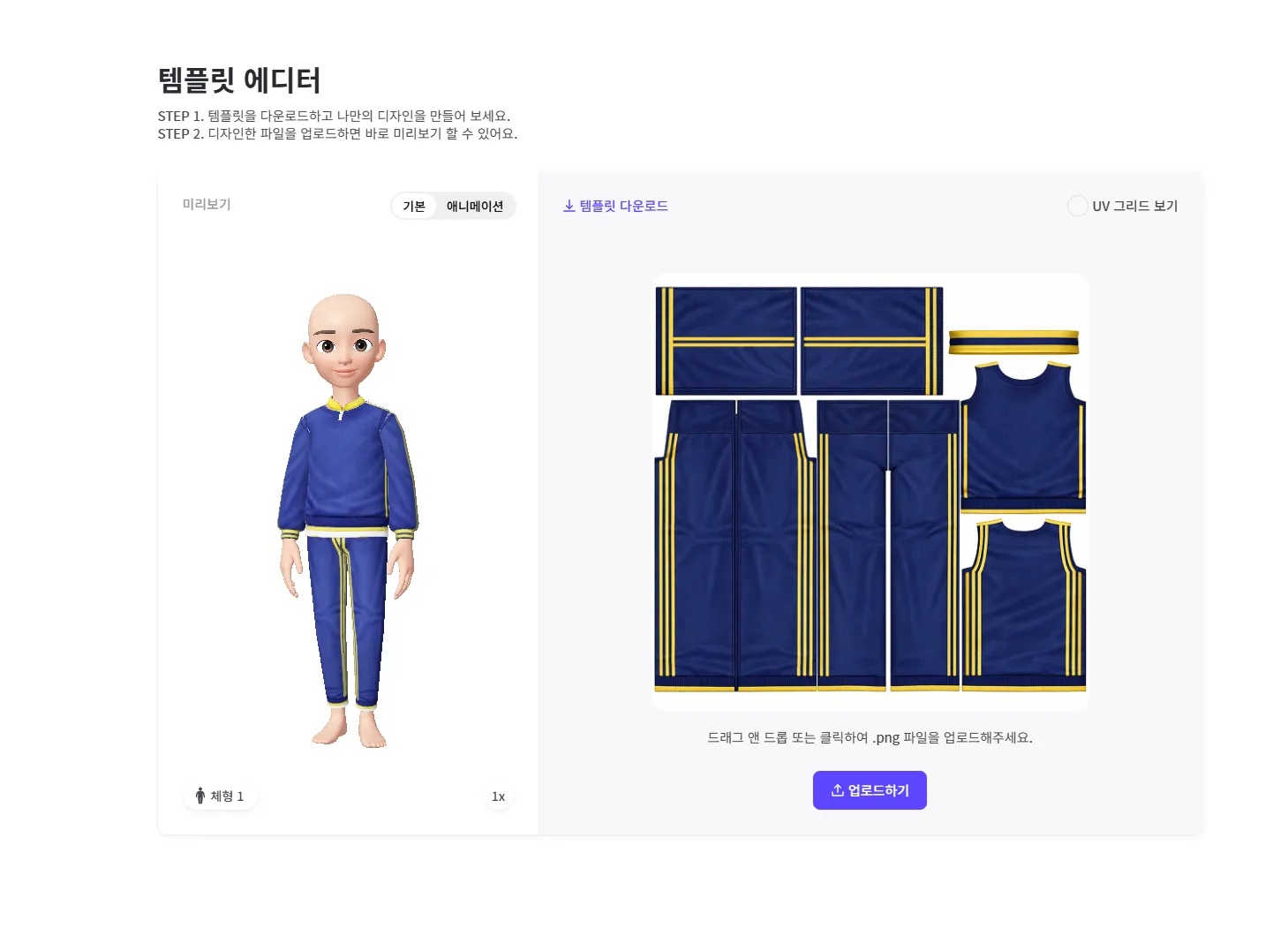
텍스쳐 이미지를 아바타에 적용한 모습
(제페토 앱에서 템플릿 다운로드 시, 캡쳐 가능해요)
프롬프트(고급 ver.)
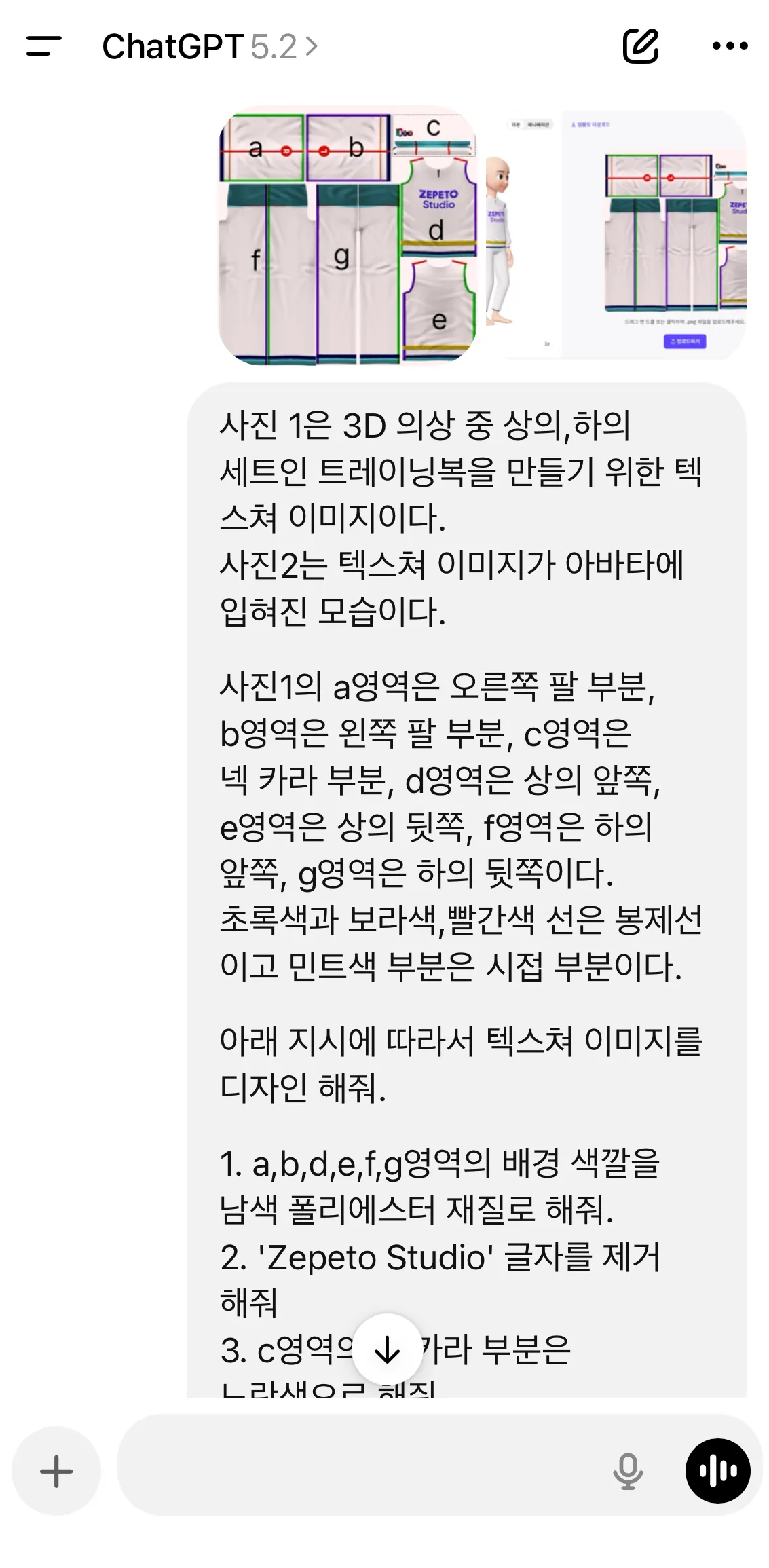
사진1은 3D 의상 중 상의,하의 세트인 트레이닝복을 만들기 위한 텍스쳐 이미지이다.
사진2는 텍스쳐 이미지가 아바타에 입혀진 모습이다.
사진1의 a영역은 오른쪽 팔 부분, b영역은 왼쪽 팔 부분, c영역은 넥 카라 부분, d영역은 상의 앞쪽, e영역은 상의 뒷쪽, f영역은 하의 앞쪽, g영역은 하의 뒷쪽이다.
초록색과 보라색,빨간색 선은 봉제선이고 민트색 부분은 시접 부분이다.
아래 지시에 따라서 텍스쳐 이미지를 디자인 해줘.
1. a,b,d,e,f,g영역의 배경 색깔을 남색 폴리에스터 재질로 해줘.
2. 'Zepeto Studio' 글자를 제거해줘
3. c영역의 넥 카라 부분은 노란색으로 해줘
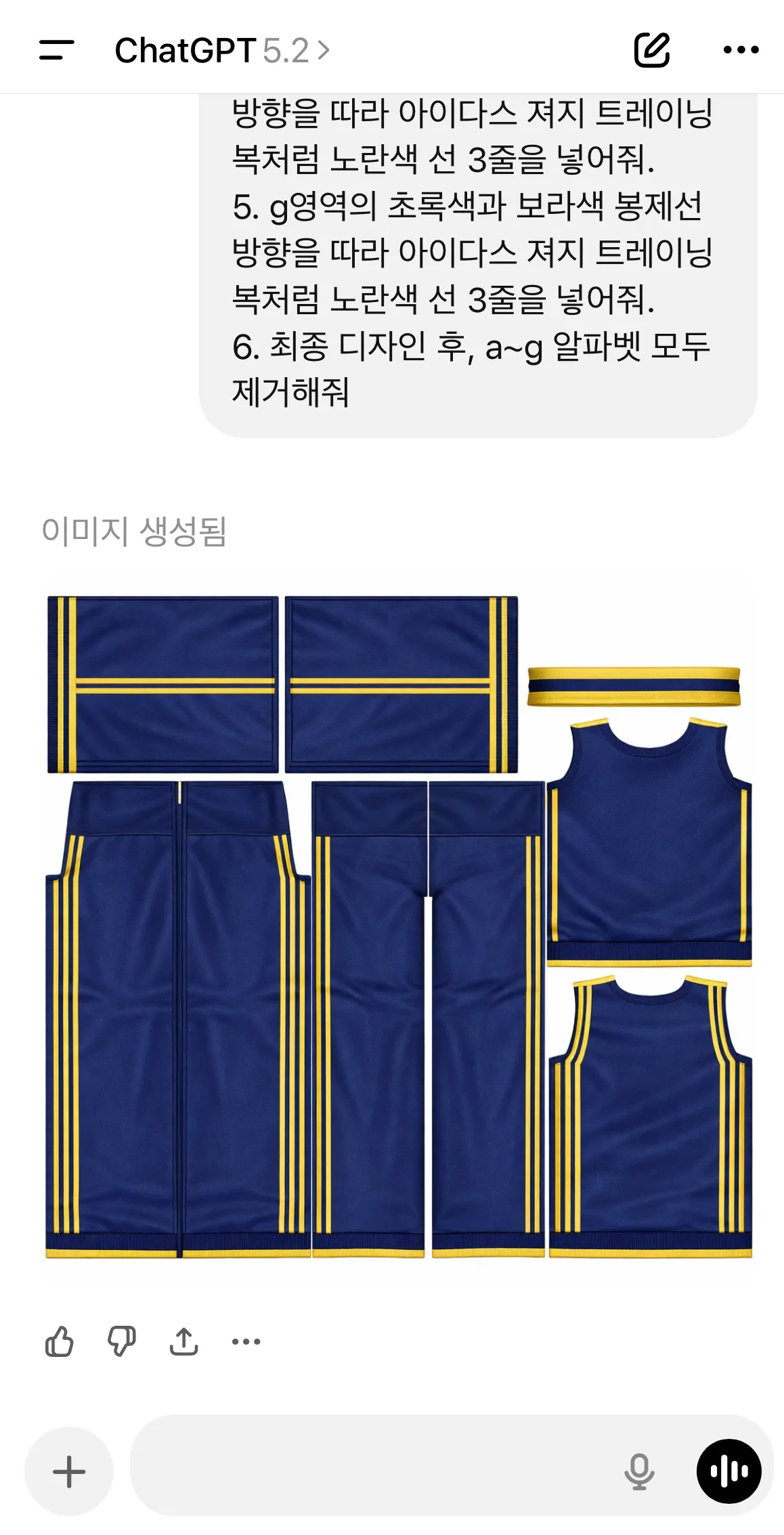
4. a,b영역에서 빨간색 봉제선 방향을 따라 아이다스 져지 트레이닝복처럼 노란색 선 3줄을 넣어줘.
5. g영역의 초록색과 보라색 봉제선 방향을 따라 아이다스 져지 트레이닝복처럼 노란색 선 3줄을 넣어줘.
6. 최종 디자인 후, a~g 알파벳 모두 제거해줘
제작 과정
제작 결과
영역 지정 후, 명령할 경우(추천)
제작과정
영역 지정 후, 명령할 경우(추천)
실제 제작물
영역 지정 없이 명령할 경우(비추천)
제작과정
GPT가 만들고자 했던 의상
영역 지정 없이 명령할 경우(비추천)
실제 제작물
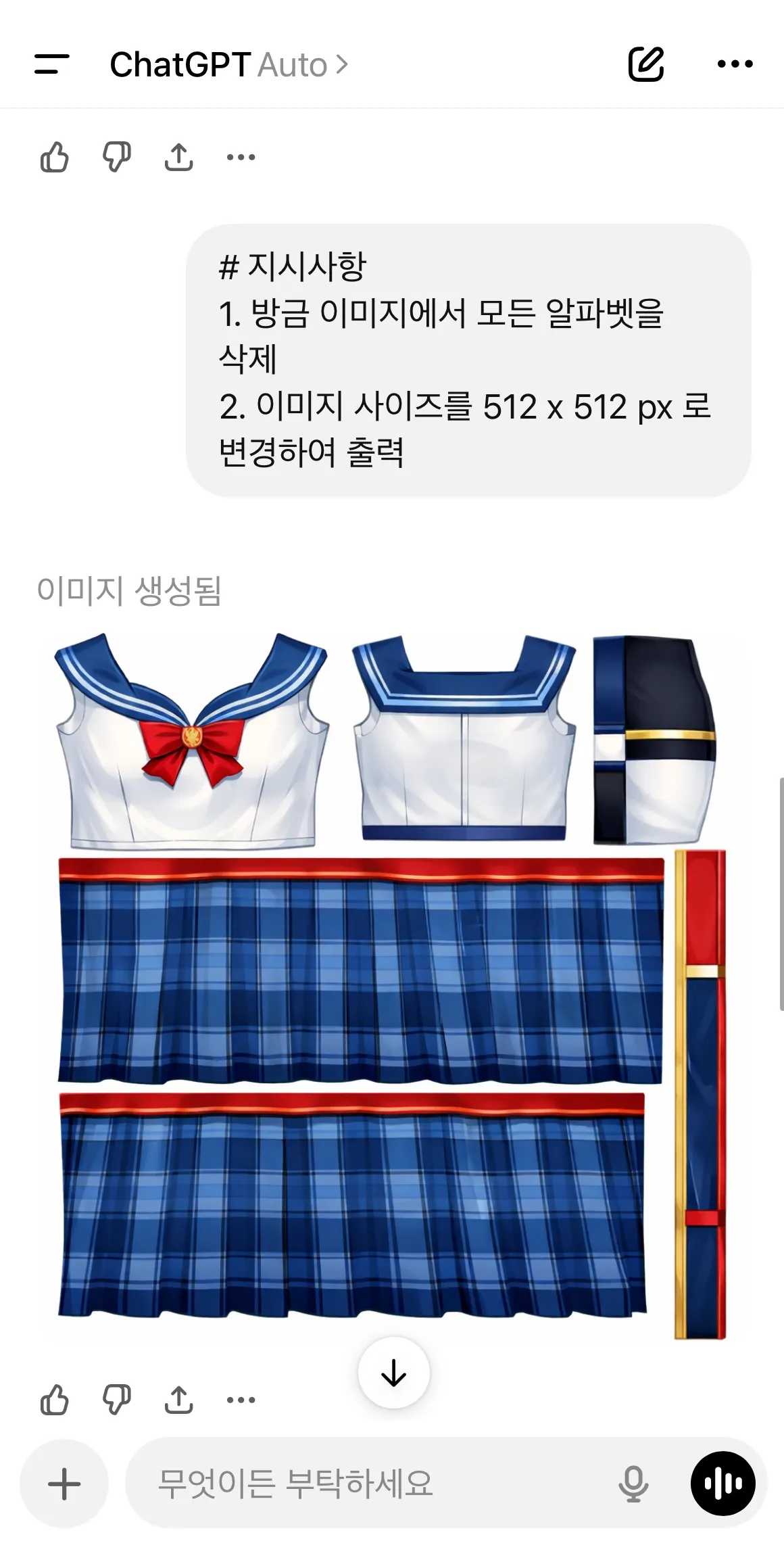
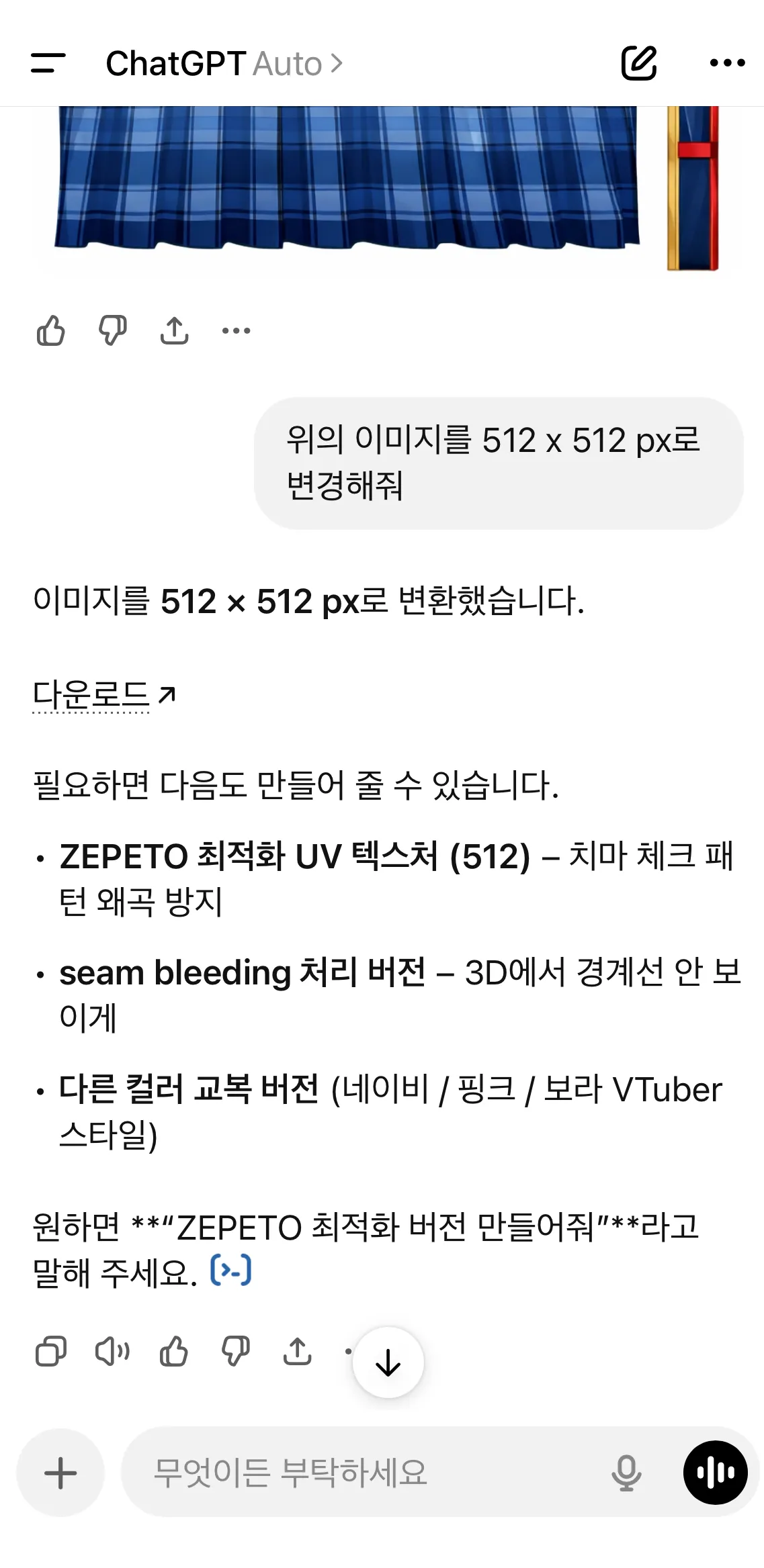
STEP 4 : 제페토 제출용 이미지 사이즈로 변경하기
준비물
제작한 아이템 이미지
프롬프트
첨부한 이미지를 512 x 512 px로 변경해줘
📍Tip : 이미지의 크기를 바꾸고 싶다면 다른 지시와 함께 요청하지 말고,
단독으로 요청할 때 GPT의 결과물이 좋아져요!
최종적으로 완성된 이미지와 함께 단독 명령으로 이미지 사이즈 변경을 요청하세요!
(비추천 예시) : 이 텍스쳐 이미지에서 치마 부분 호피무늬로 바꿔주고, 이미지는 512 x 512 px로 바꿔줘
→ 이미지 사이즈 변화 명령과 다른 명령이 섞여있을 경우, 이미지 사이즈가 제대로 줄어들지 않아요😭